Code Reader
YA301OBD2 Code Reader with Shortcut Keys & Voltage Check
Read and clear emissions-related engine codes, view live data, freeze frames and I/M readiness on compatible 12 V vehicles. Features a 2.4-inch color display, battery voltage checks and scre…
Product overview
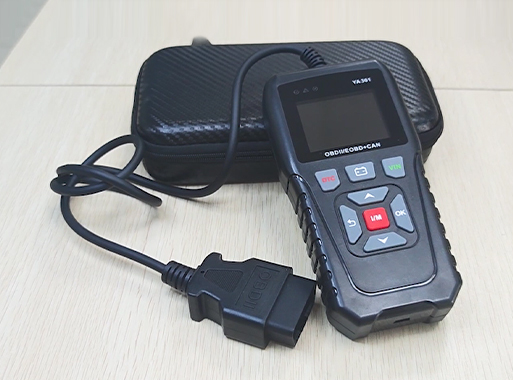
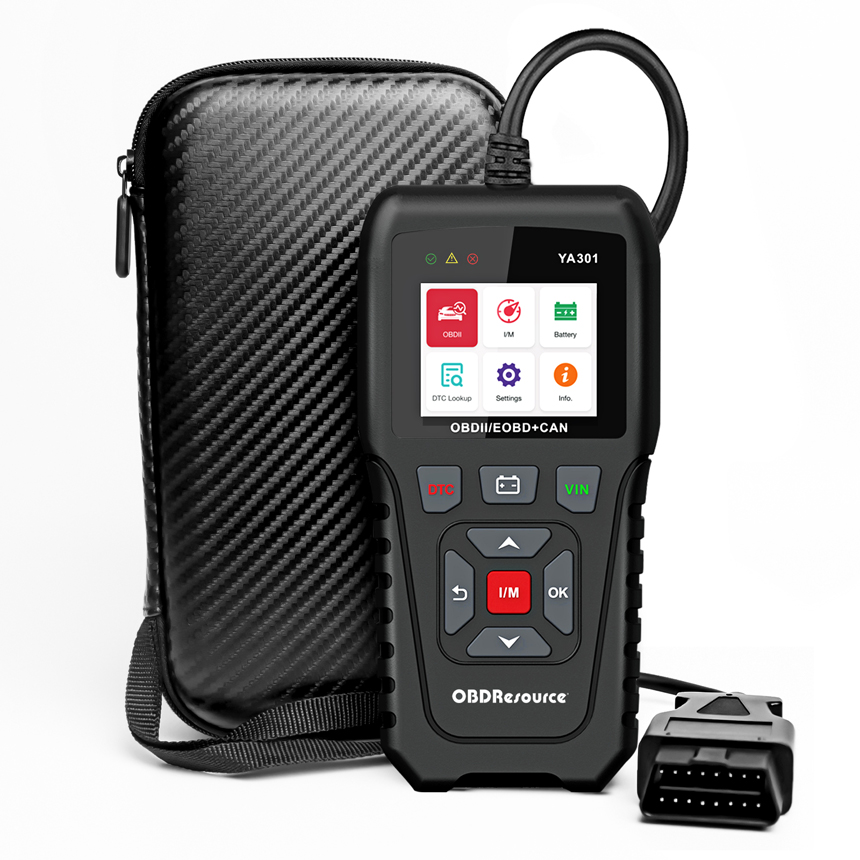
The OBDResource YA301 is a handheld OBD2 engine code reader for compatible 12 V vehicles. It accesses emissions-related fault information and operating data through the diagnostic port and provides a battery voltage view for initial checks. Codes and data are diagnostic leads; use vehicle service information to confirm the actual cause.
Key capabilities
Standard engine emissions diagnosis
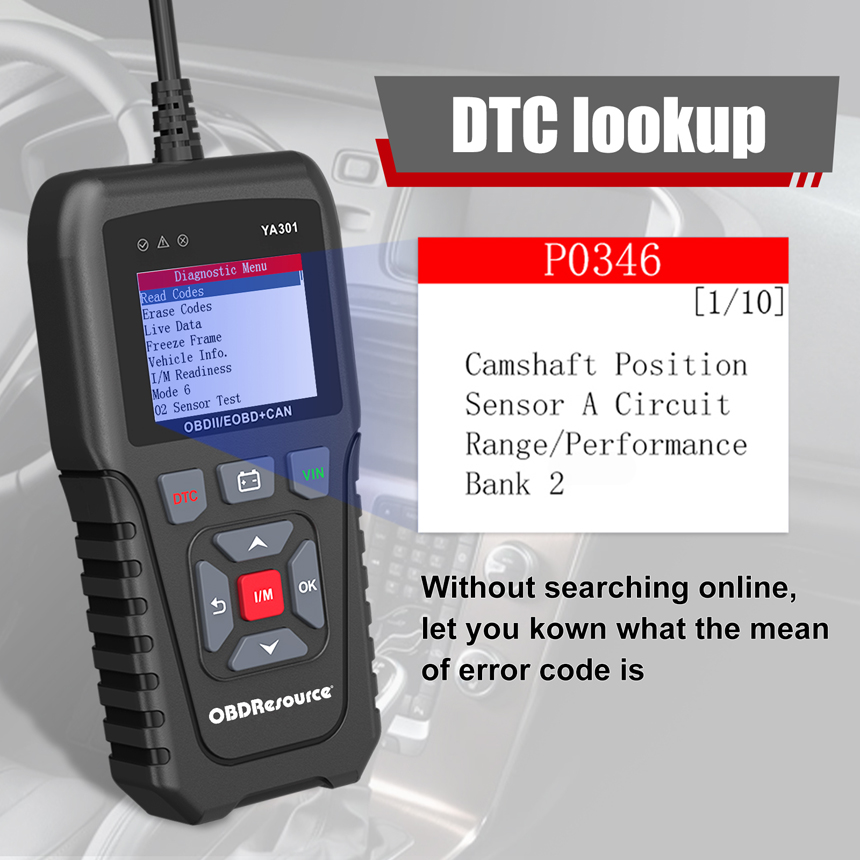
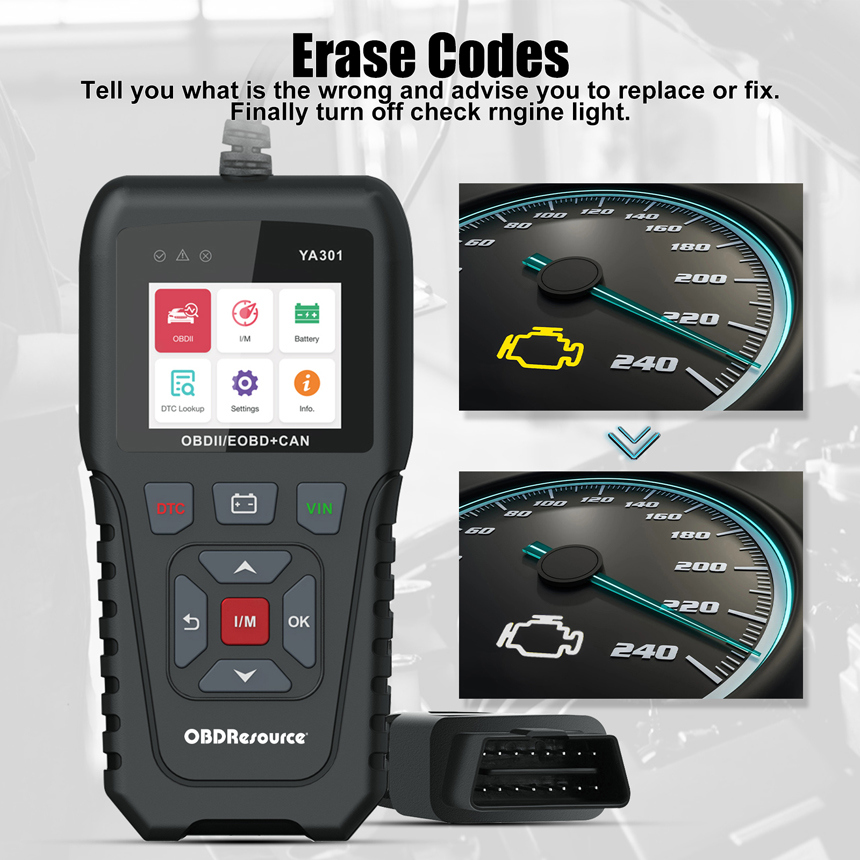
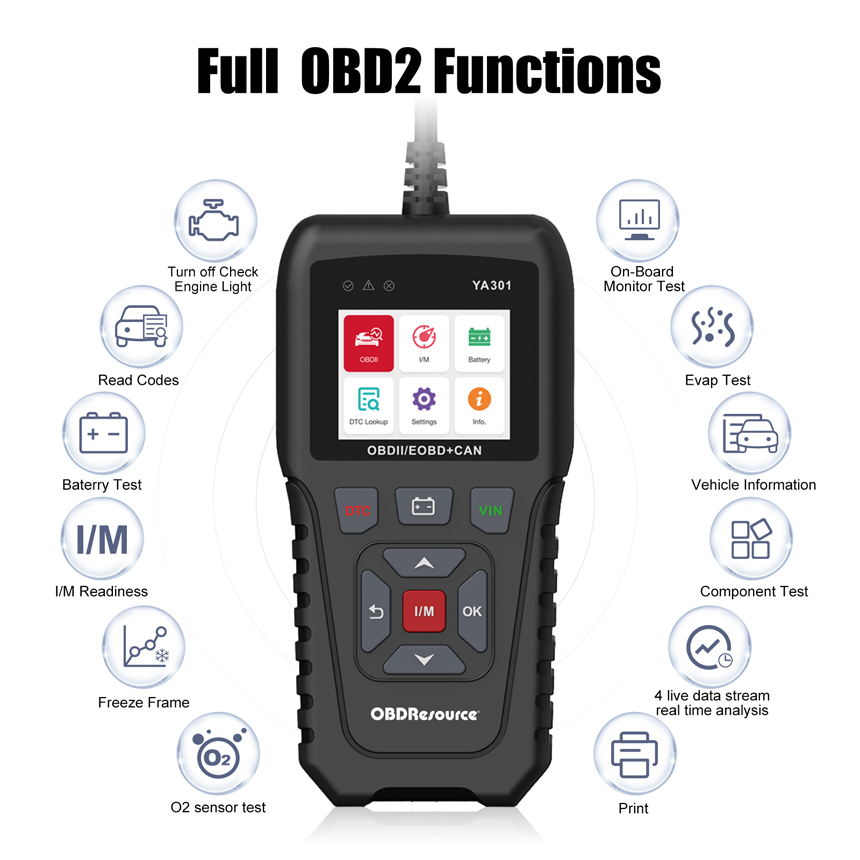
Access emissions-related DTCs, clearing, freeze frames, I/M readiness and vehicle information. Oxygen-sensor, Mode $06, EVAP and other tests are available only where the ECU supports them.
Live data and information access
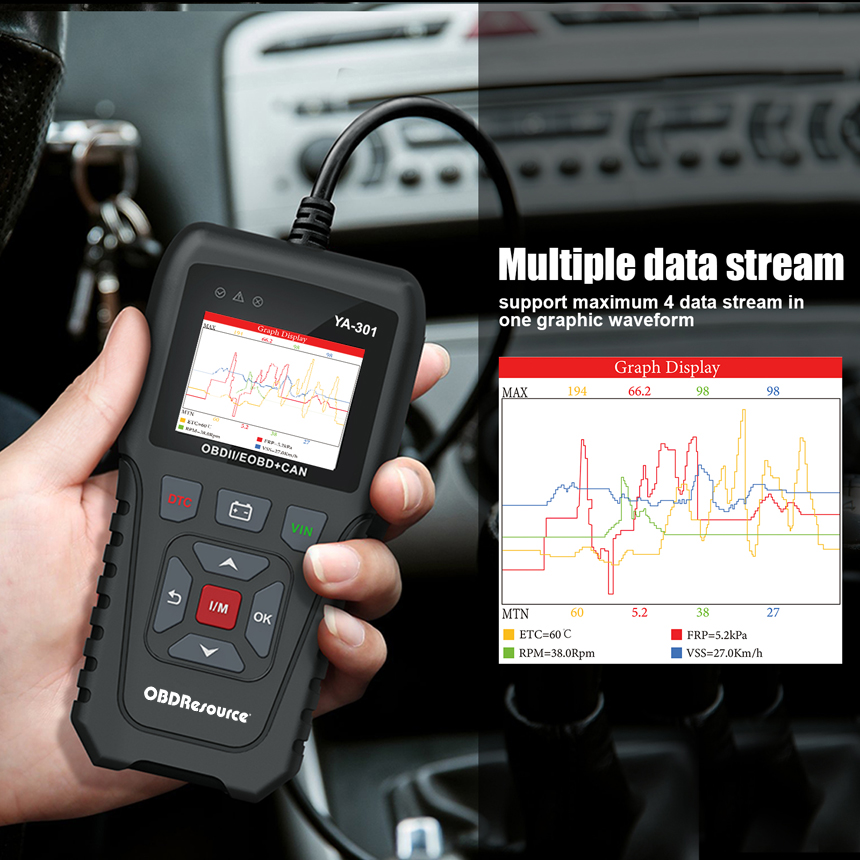
View real-time ECU data and compare it with DTC definitions and saved screenshots. Graph display and custom data ordering help focus on relevant parameters.
Battery voltage checks
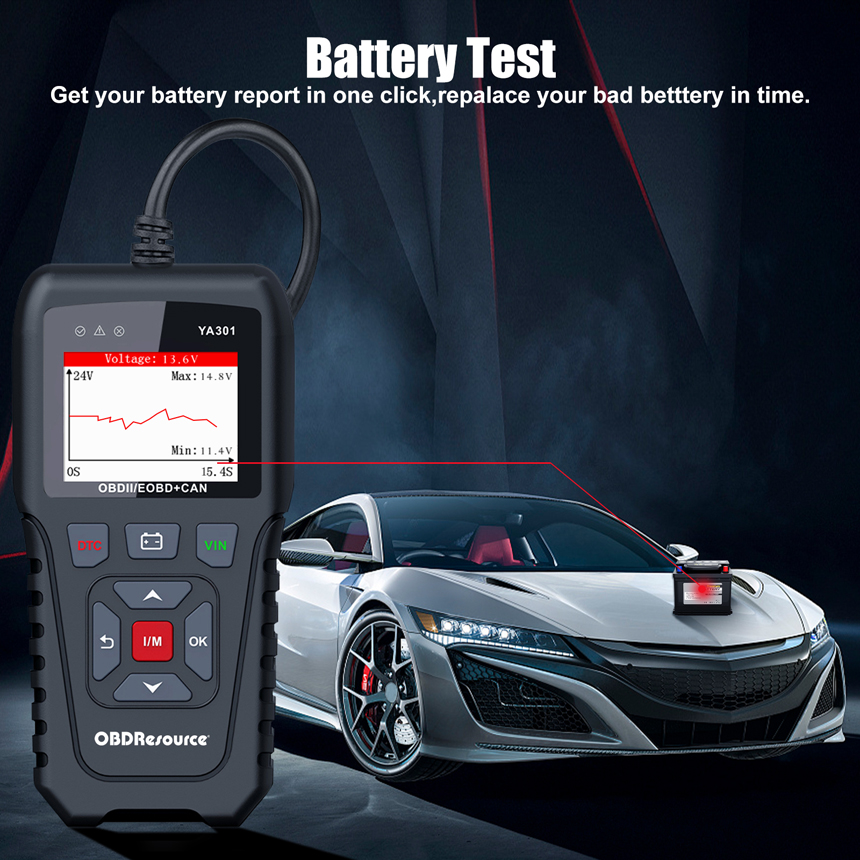
Use the voltage page for an initial view of the power supply. This is not a professional conductance test or a CCA, resistance or actual Ah capacity measurement. Voltage alone cannot determine battery service life.
Portable operation and software updates
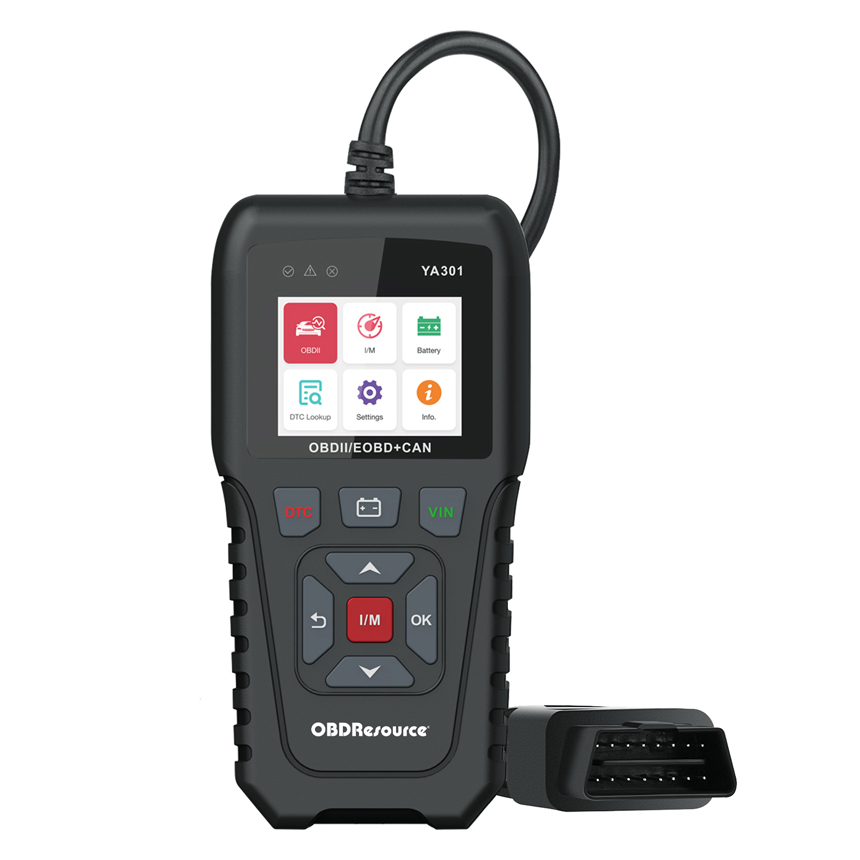
A 2.4-inch color display, physical buttons and USB file updates suit workshop and routine checks. Dedicated shortcut keys provide direct access to common functions.
Suggested workflow
Check compatibility — Confirm 12 V power, OBDII/EOBD compatibility and the required test, then connect as instructed.
Save initial information — Read and save DTCs, freeze frames and relevant live data before clearing, to preserve diagnostic information.
Recheck after repair — Correct the actual cause using service information, then clear and recheck as appropriate. Clearing may reset I/M monitors; follow the vehicle’s verification procedure.
Frequently asked questions
Does it diagnose ABS, airbags or every body module?
This is a standard OBD2 engine emissions tool, not a manufacturer-specific full-system scanner. A module name in reference material does not establish support on every vehicle.
Does normal voltage prove battery health?
No. Voltage is an initial reference. Starting capability, CCA, resistance and charging performance require the appropriate tests; the voltage page is not a substitute for a dedicated battery analyzer.
Does clearing codes repair the vehicle or guarantee an inspection pass?
No. An unresolved fault may return, and I/M readiness may reset. Preserve initial records, repair the cause and verify according to the vehicle procedure.
How do I confirm vehicle and language support?
Check make, model, year, market and required function against current software. Available languages follow the device menu; website translation does not change the tool language.
Product design
Documentation and support
Key features
Applications
Technical specifications
| Item | Specification or function |
|---|---|
| Model | YA301 |
| Diagnostic scope | Standard OBDII/EOBD engine emissions diagnosis for compatible 12 V vehicles |
| Power and connection | Vehicle-powered through the 16-pin OBD diagnostic connector |
| Display | 2.4-inch TFT color display |
| Resolution | 320 × 240 |
| Body dimensions | 171.3 × 86 × 30 mm |
| DTC functions | Emissions-related engine DTC reading, clearing and definition lookup |
| Data and status | Live data, freeze frames, I/M readiness and VIN/CID/CVN where ECU-supported |
| Battery function | Supply-voltage view and basic reference; not CCA/conductance testing |
| Screenshots | Supported |
| Software updates | USB file updates using the official files and instructions |
| Languages | Product material lists 10; confirm the current software menu |
| Data display | Live-data graphs and item ordering |
| Quick access | Shortcuts for diagnosis, I/M, voltage/battery and vehicle information, per device menus |
| Data records and playback | Supported |
| Simultaneous waveforms | Up to 5, subject to selected data and ECU support |
| Operating temperature | 0°C to 60°C |
Available tests depend on the vehicle, ECU and software. Save diagnostic information before clearing. Voltage checks do not replace battery conductance or capacity testing.
OBDRESOURCE