Code Reader
YA302OBD2 Engine Scanner & 6V/12V/24V Battery Tester
Combine OBD2 engine diagnostics with battery testing: DTCs, live data, I/M readiness, SOH, SOC, CCA, resistance and supported starting/charging checks. Features a 2.8-inch TFT display and vo…
Product overview
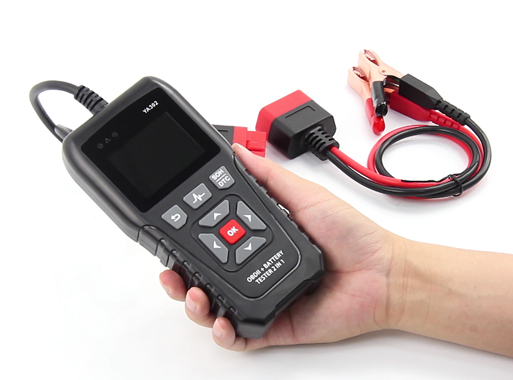
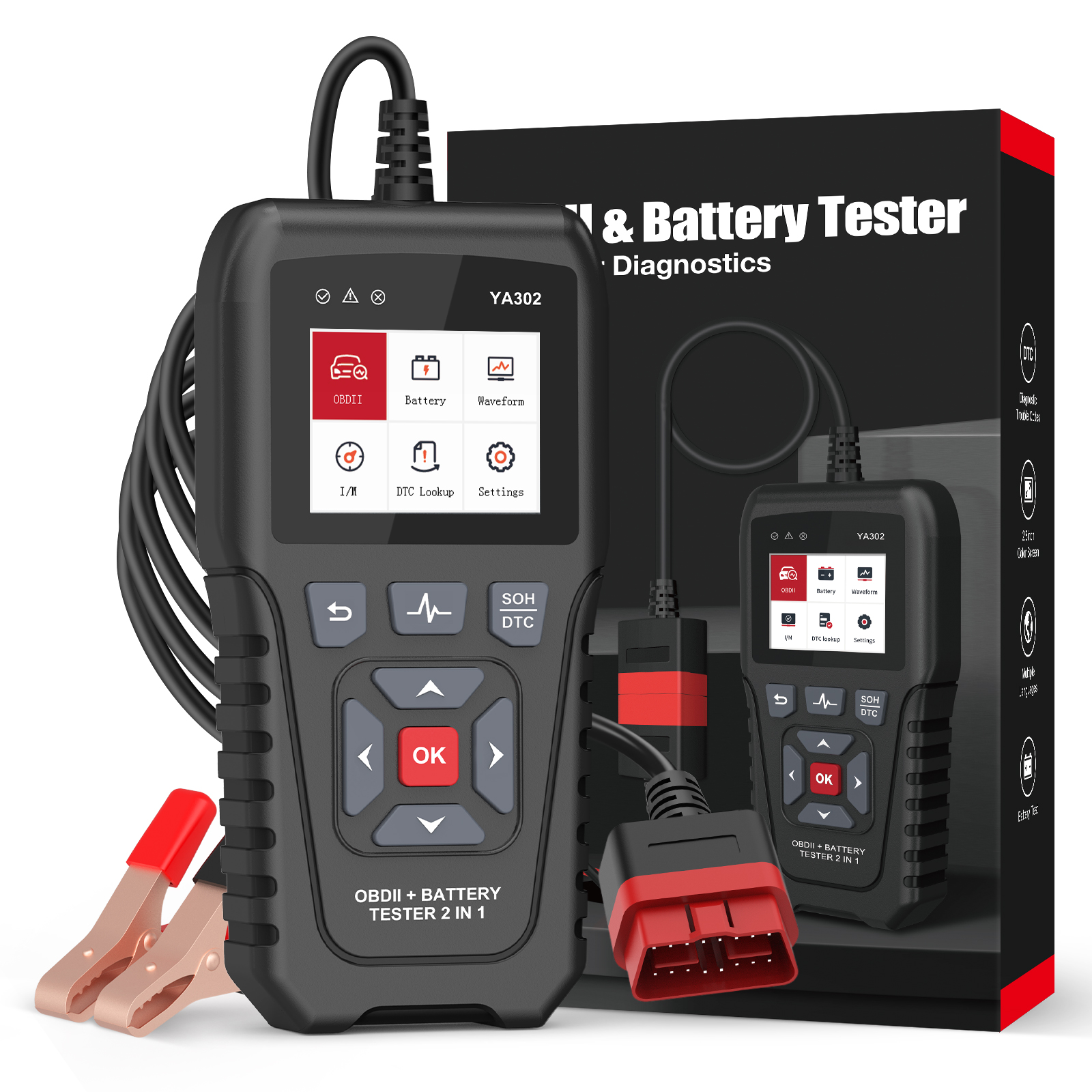
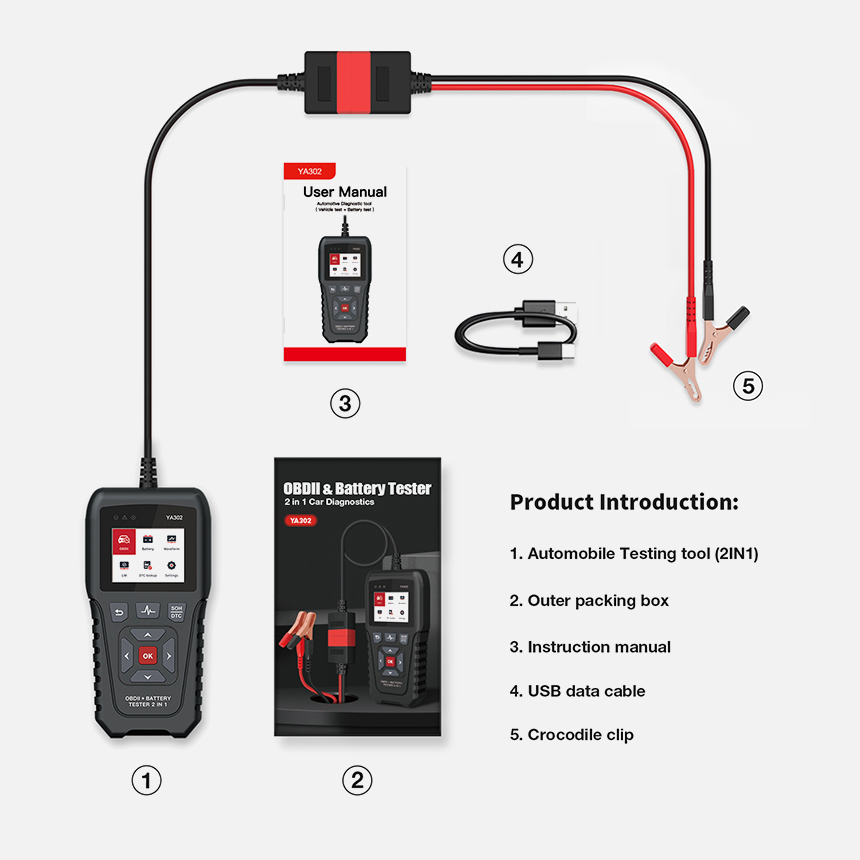
The OBDResource YA302 combines emissions-related OBD2 engine checks and starting-battery analysis in one handheld tool for workshops, service businesses and knowledgeable vehicle owners. Use the appropriate OBD connection or battery clamps for the selected task, and check the voltage and application limits of each mode separately.
Key capabilities
OBD2 engine diagnostics
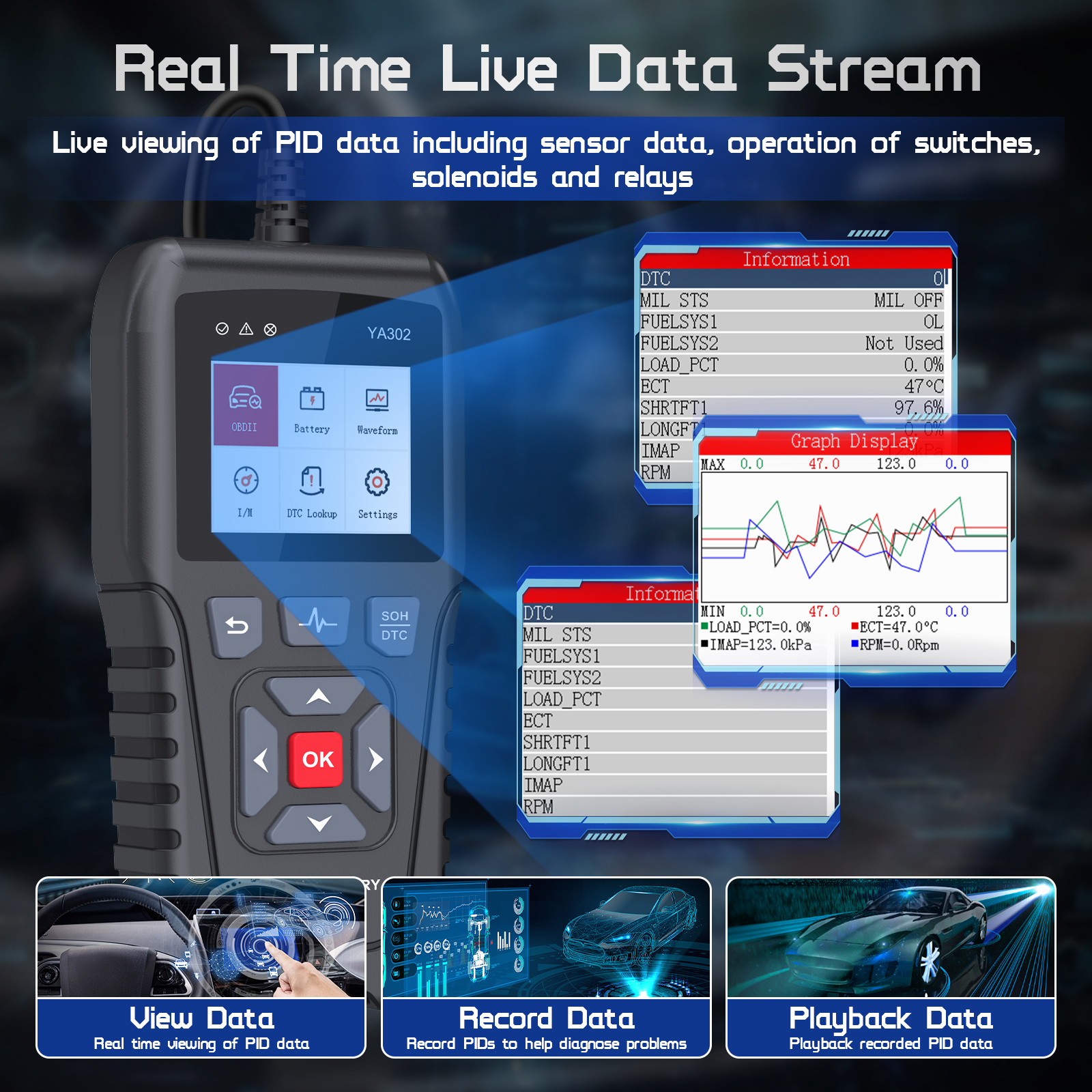
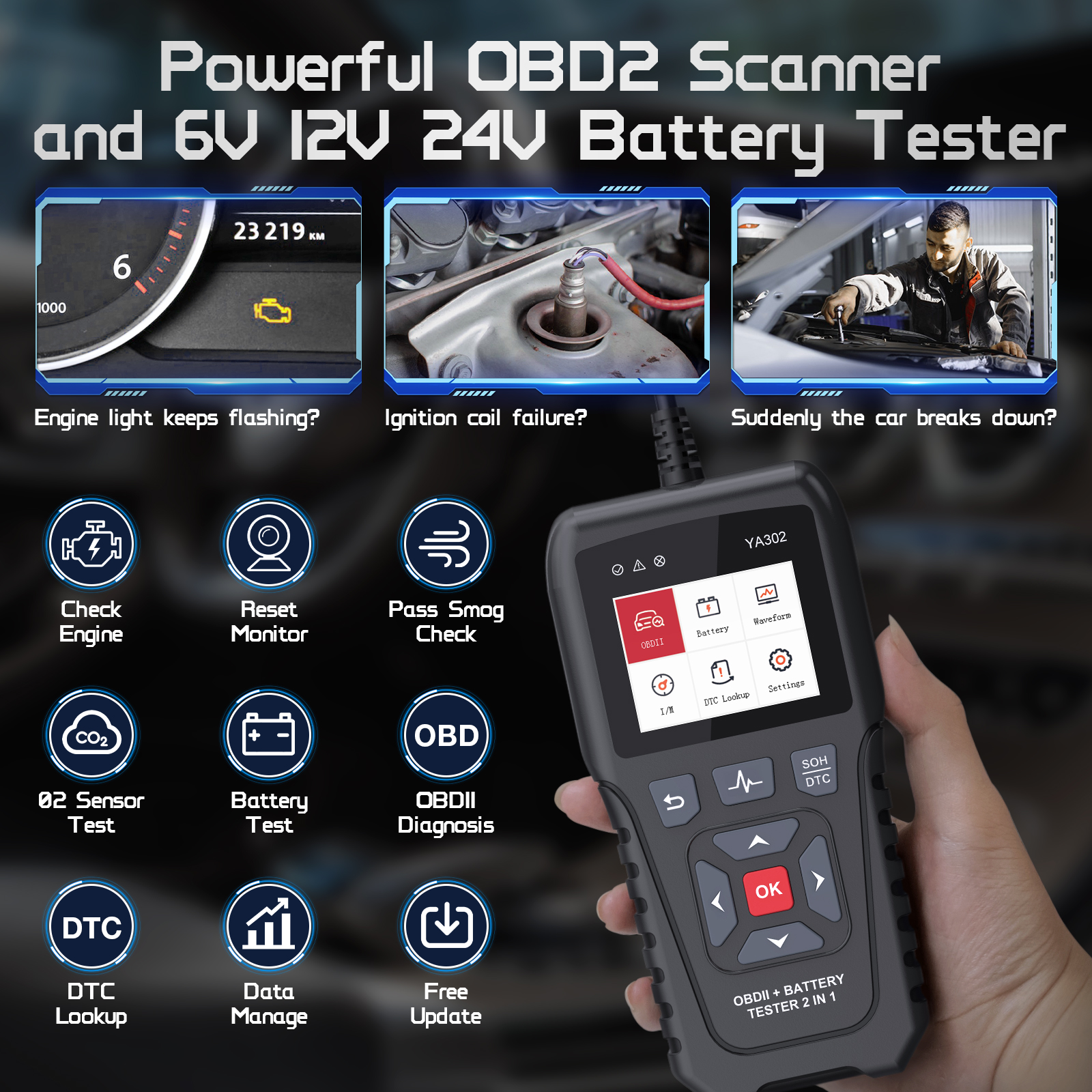
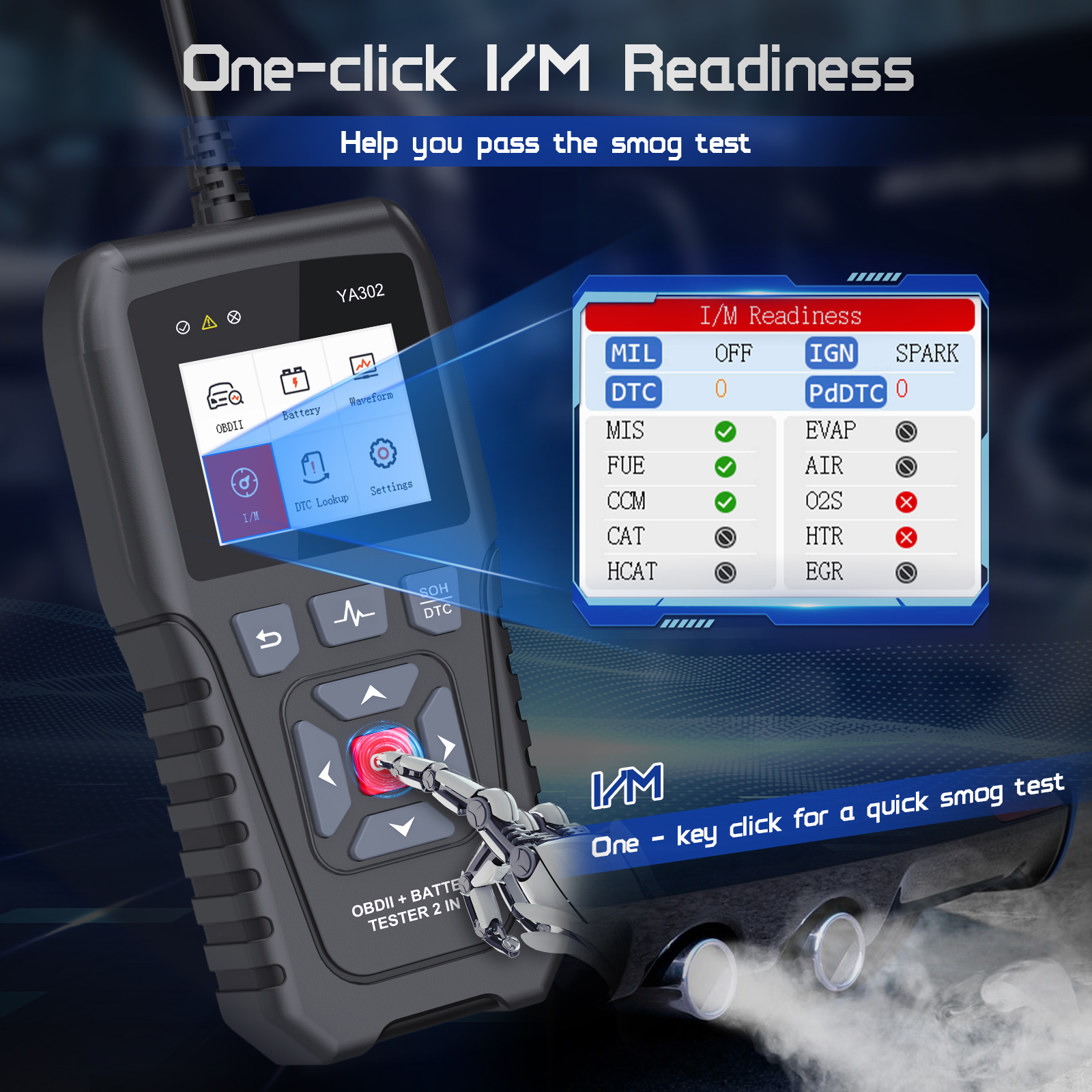
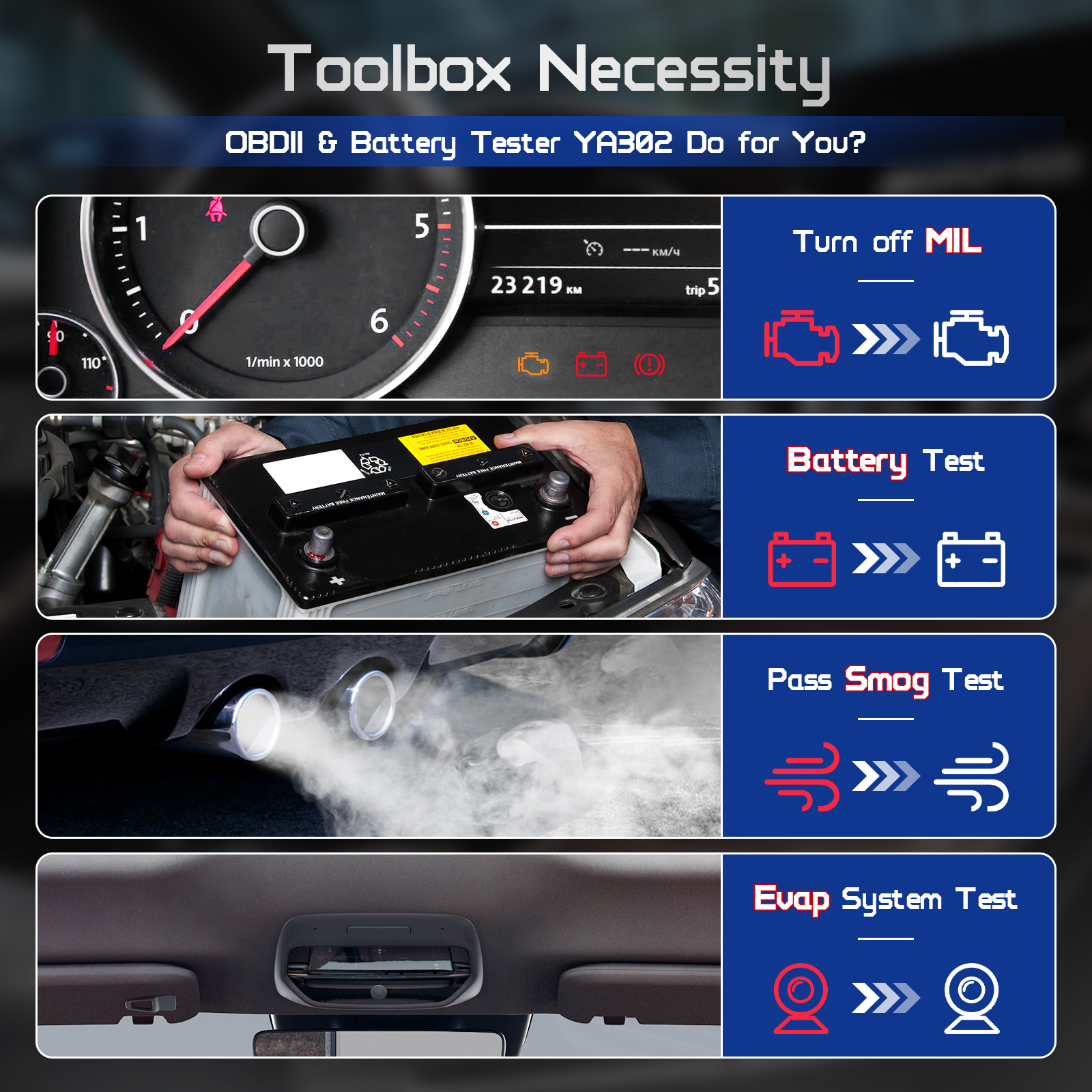
Read and clear emissions-related engine DTCs on supported 12 V OBDII/EOBD gasoline or diesel vehicles. Review live data, freeze frames, I/M readiness and vehicle information; oxygen-sensor and on-board monitor functions depend on the vehicle protocol and ECU.
Starting-battery condition analysis
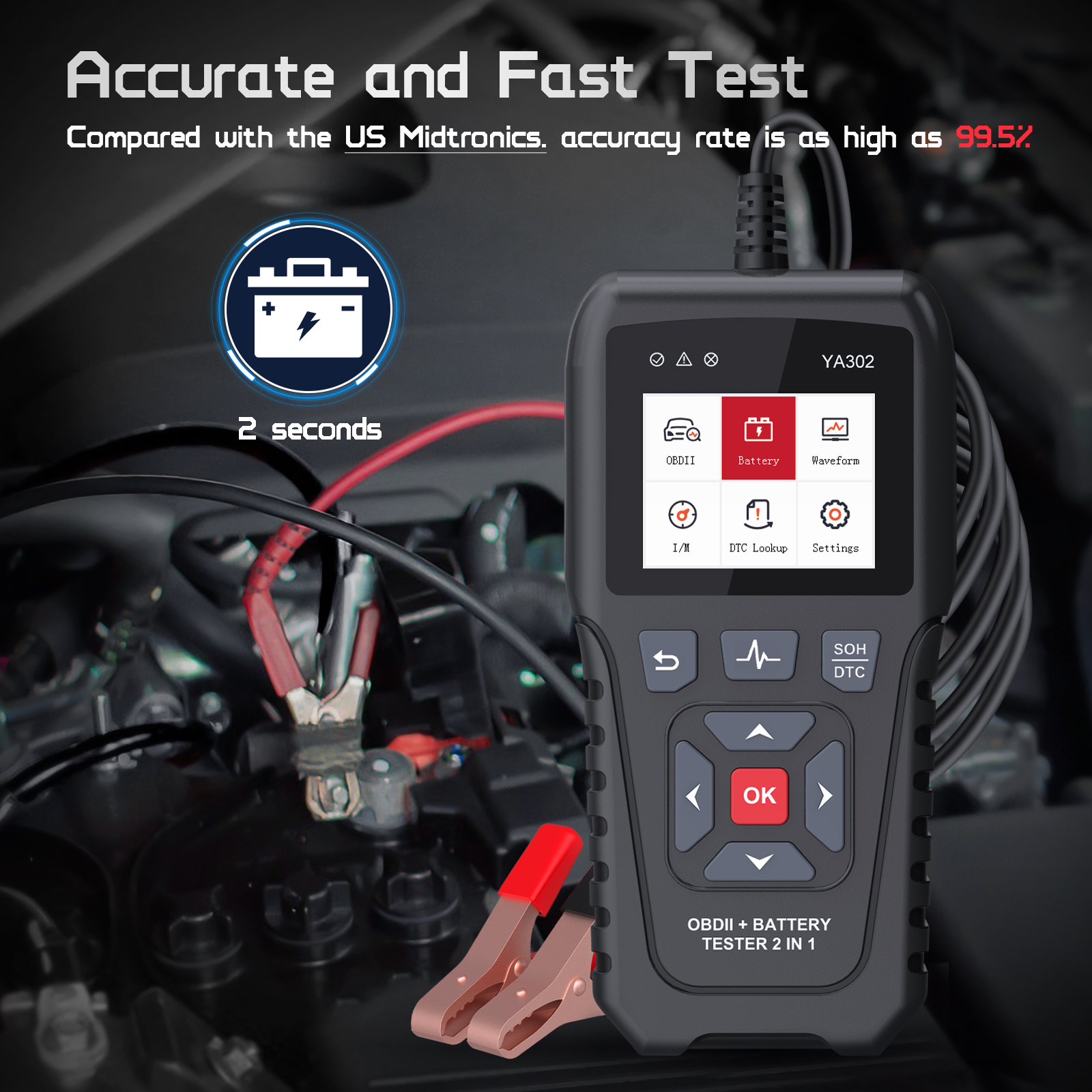
Test supported 6 V, 12 V and 24 V starting lead-acid batteries using the correct battery type, rating standard and rated value. Review SOC, SOH, available CCA, resistance and voltage. These indicators assess condition; they are not a direct measurement of actual Ah capacity or remaining service life.
Starting, charging and load checks
On supported vehicles and in the appropriate mode, inspect starting voltage/time, loaded and unloaded charging voltage, ripple and load response. Voltage waveforms show current, minimum and maximum values and support recording/playback for comparisons before and after service.
Color display and records
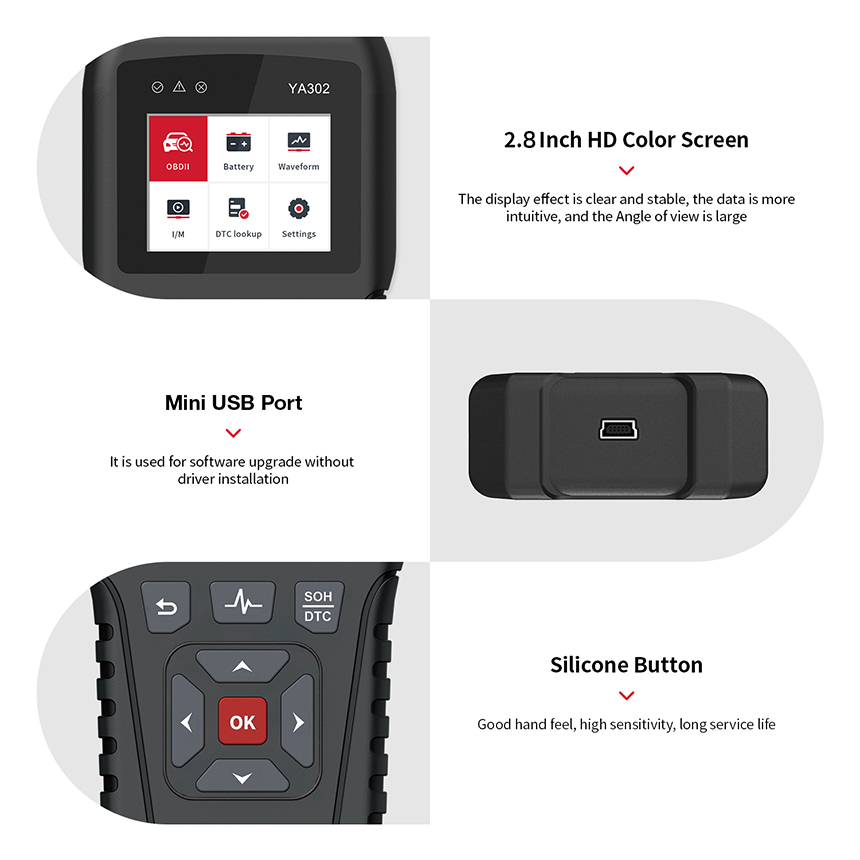
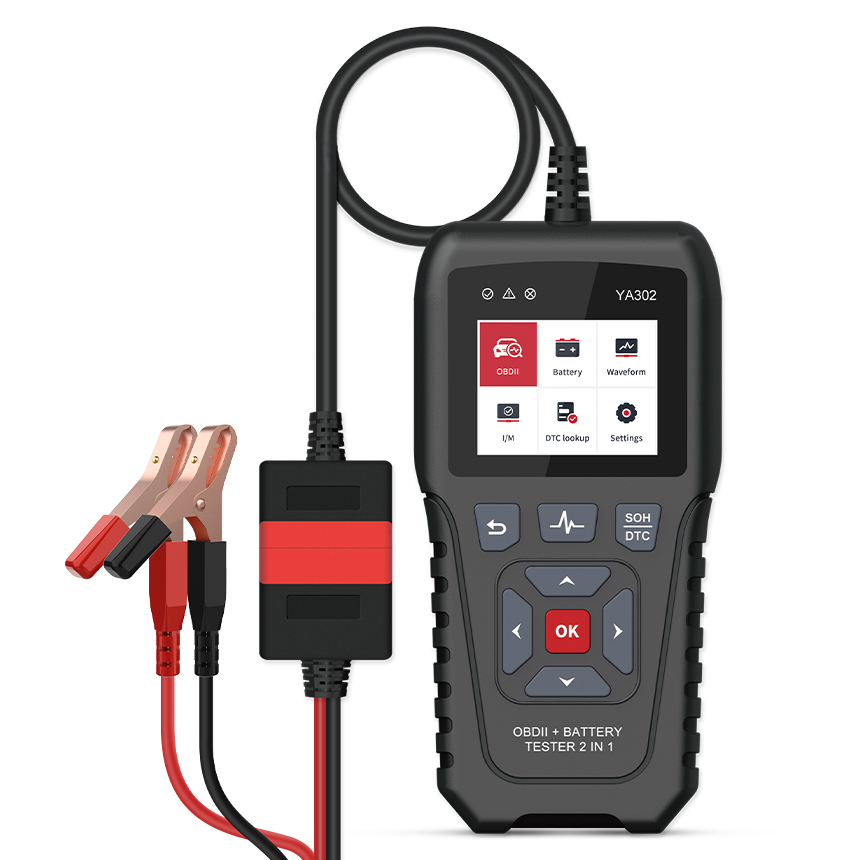
A 2.8-inch TFT color display and physical controls support screenshots, data records and waveform playback. Transfer the appropriate update files through Mini USB according to the official update instructions.
Suggested workflow
Confirm the vehicle and battery — Check OBD compatibility or battery type, voltage, standard and rated CCA, then select the correct connection and mode.
Read and save the initial results — Save DTCs and freeze-frame information before clearing codes. For battery tests, enter the label rating accurately and record the results.
Follow the test procedure — Follow the prompts for the selected diagnostic, starting, charging or load check and interpret results using vehicle service information.
Verify after service — Retest after correcting the actual cause and compare the records. Clearing DTCs may reset readiness monitors; complete the vehicle’s required follow-up checks.
Frequently asked questions
Does 6V/12V/24V support also apply to OBD diagnosis?
Those voltages describe battery testing. The manual specifies supported 12 V OBDII vehicles for engine diagnostics; this does not authorize connecting to a 24 V truck diagnostic port or imply 6 V vehicle OBD support.
Does it diagnose ABS, airbags and every body system?
Its OBD functions cover standard emissions-related engine diagnostics, not full-system coverage. A DTC definition is a diagnostic lead rather than proof that a particular part has failed.
Can it test lithium or EV traction batteries?
The manual covers starting lead-acid batteries, including flooded, AGM, GEL and EFB. Unverified lithium chemistries and high-voltage EV traction batteries are outside this page’s supported scope.
Are SOH, SOC and CCA interchangeable?
No. SOC describes charge state, SOH assesses condition and CCA assesses cold-starting capability. Use the correct type, standard and rating. The Ah application range is a supported specification, not a measured capacity result.
Which display languages are supported?
Product material lists 11 languages; available selections depend on the installed software and language menu. Website translations are independent of the tool’s current language setting.
Product design
Documentation and support
Key features
Applications
Technical specifications
| Item | Specification or function |
|---|---|
| Model | YA302 |
| Tool type | 2-in-1 OBD2 engine scanner and starting-battery tester |
| OBD diagnostic application | Supported 12 V OBDII/EOBD gasoline and diesel vehicles |
| OBD functions | Emissions-related engine DTC read/clear, live data, freeze frame, I/M, vehicle information and supported monitor tests |
| Nominal battery voltages | 6 V / 12 V / 24 V |
| Battery types | Starting lead-acid: flooded, AGM flat plate, AGM spiral, GEL and EFB |
| Rated battery capacity application range | 2–220 Ah (not a measured-capacity result) |
| CCA test range | 100–2000 A (CCA/EN/SAE); IEC/DIN: 100–1400 A |
| JIS rating selection | 26A17–245H52; check equivalent CCA in the manual |
| Voltage measurement range | 6/12 V mode: 4.9–20 V; 24 V mode: 4.9–32 V |
| Measurement method | Four-wire Kelvin test |
| Battery results | SOC, SOH, available CCA, resistance and voltage |
| System checks | Starting, charging, load and ripple checks in supported modes |
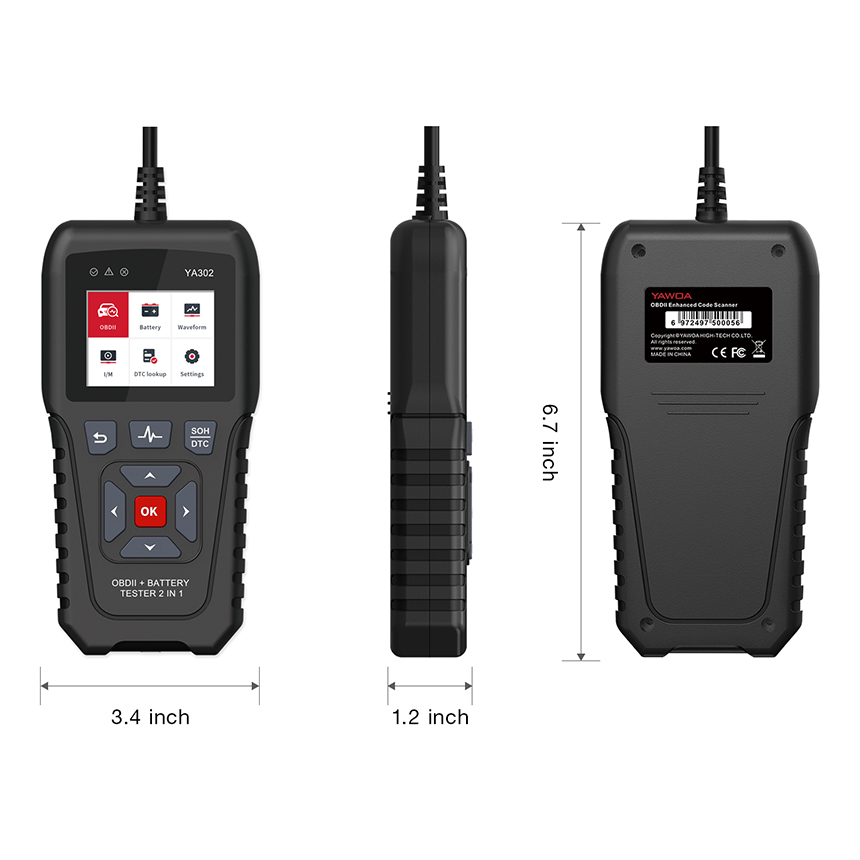
| Display | 2.8-inch TFT color display |
| Body dimensions | 171.3 × 86 × 30 mm |
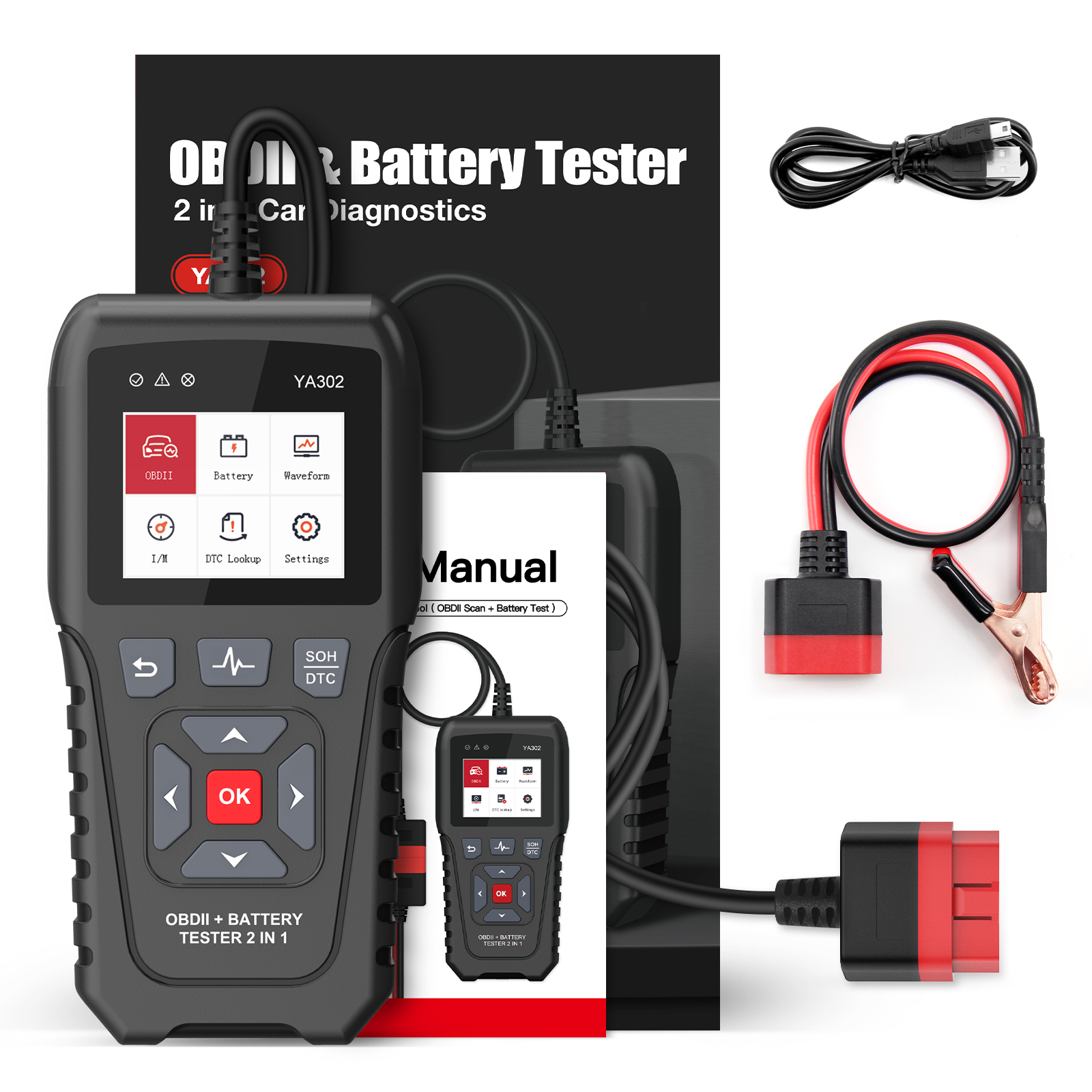
| Connections | OBD connector / battery clamp adapter, selected for the test mode |
| Data functions | Screenshots, real-time voltage monitoring, records and playback |
| Waveform records | Stores up to 10 voltage waveform records |
| Update interface | Mini USB; file-based updates per official instructions |
| Display languages | 11 languages; selection depends on device software |
| Operating temperature | −20°C to 50°C, per the YA302 manual |
OBD diagnosis and battery testing have different application limits. Use the correct mode and vehicle/battery specifications. Dimensions follow product material; test ranges and operating temperature are checked against the official YA302 manual.
OBDRESOURCE