TPMS Tools
TPS30TPMS Diagnostic & Programming Kit with 4 Sensors
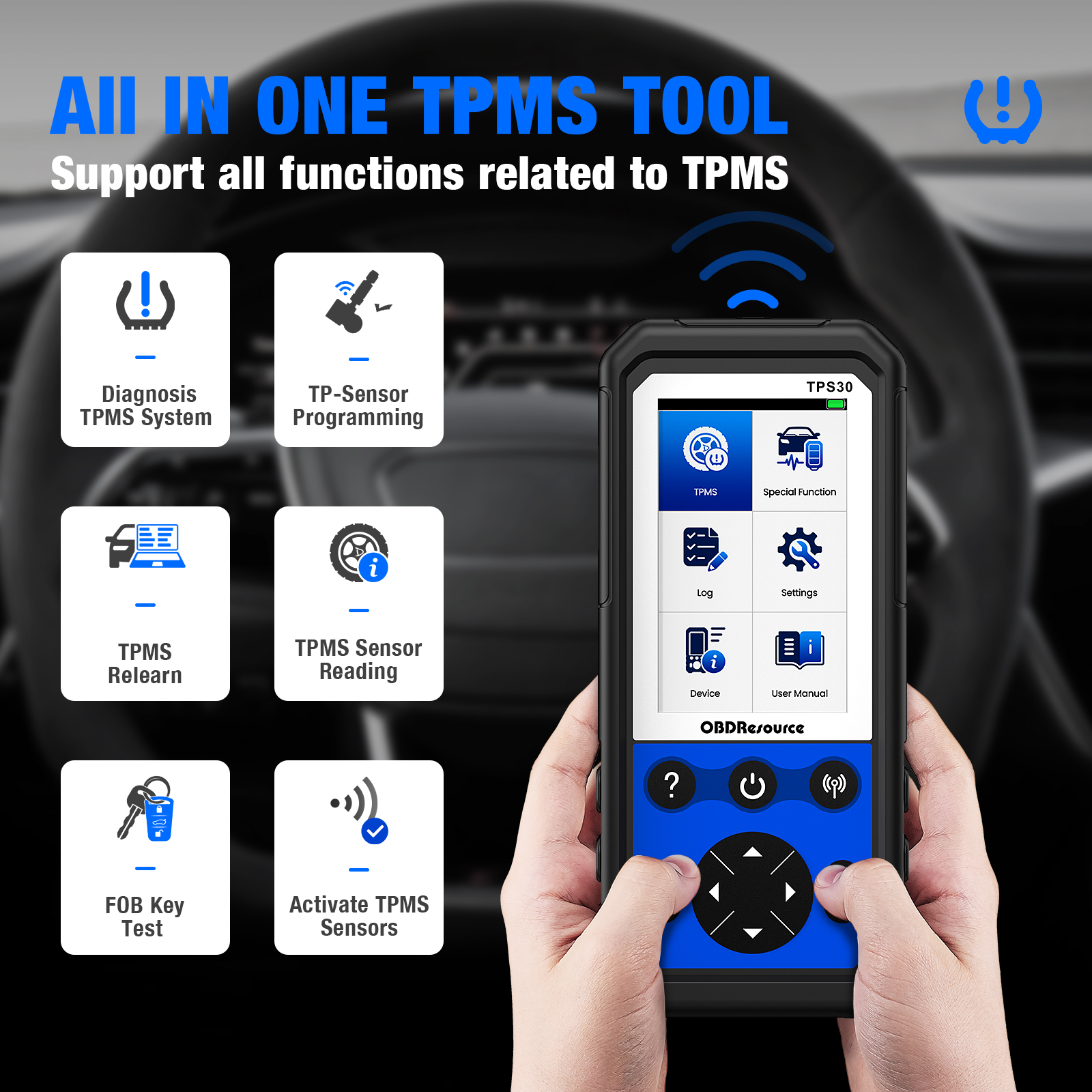
Activate and read compatible sensors, diagnose TPMS codes, program TP-Sensors and perform supported OBD relearns. Includes a 4.3-inch display, 3500 mAh battery and four programmable sensors.
Product overview
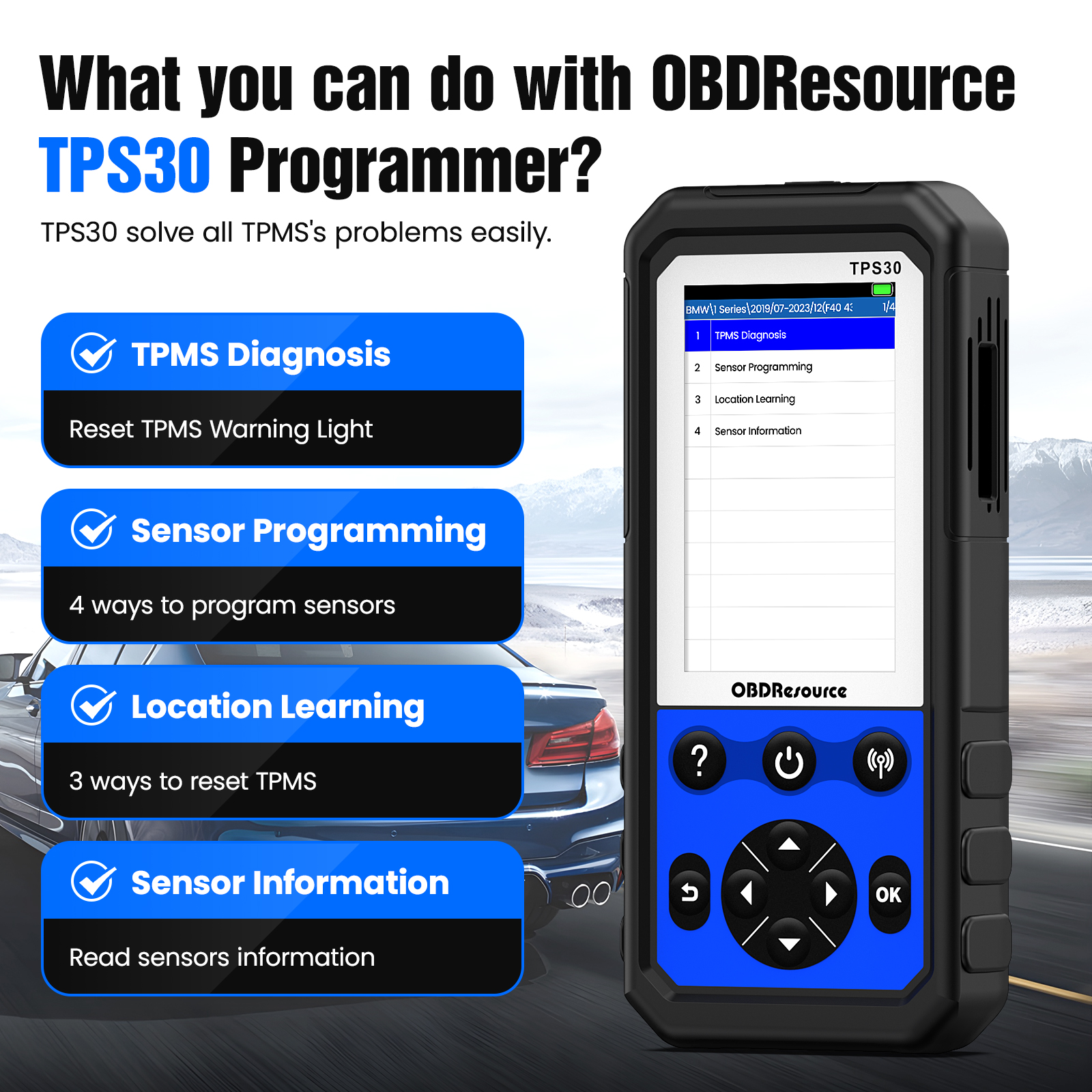
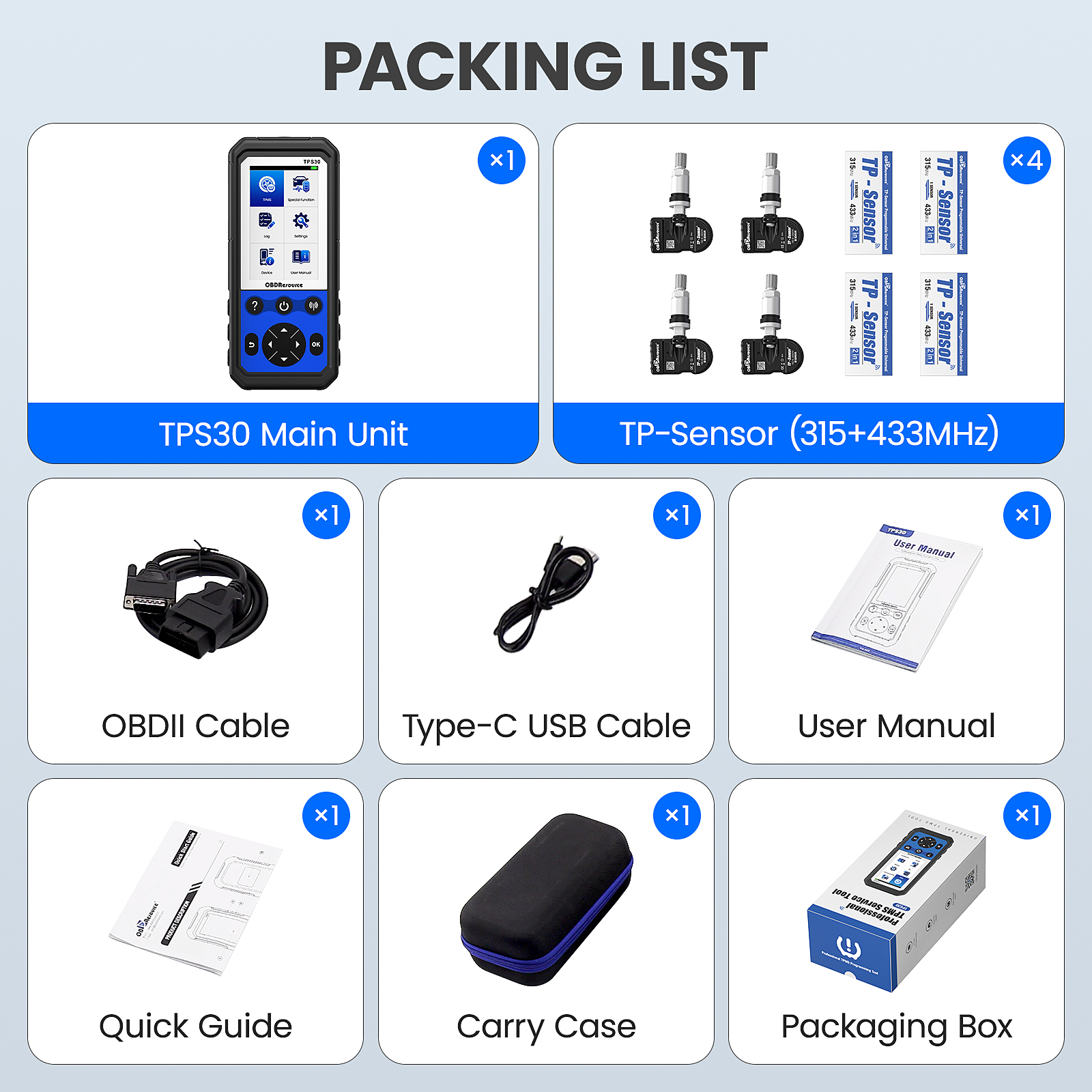
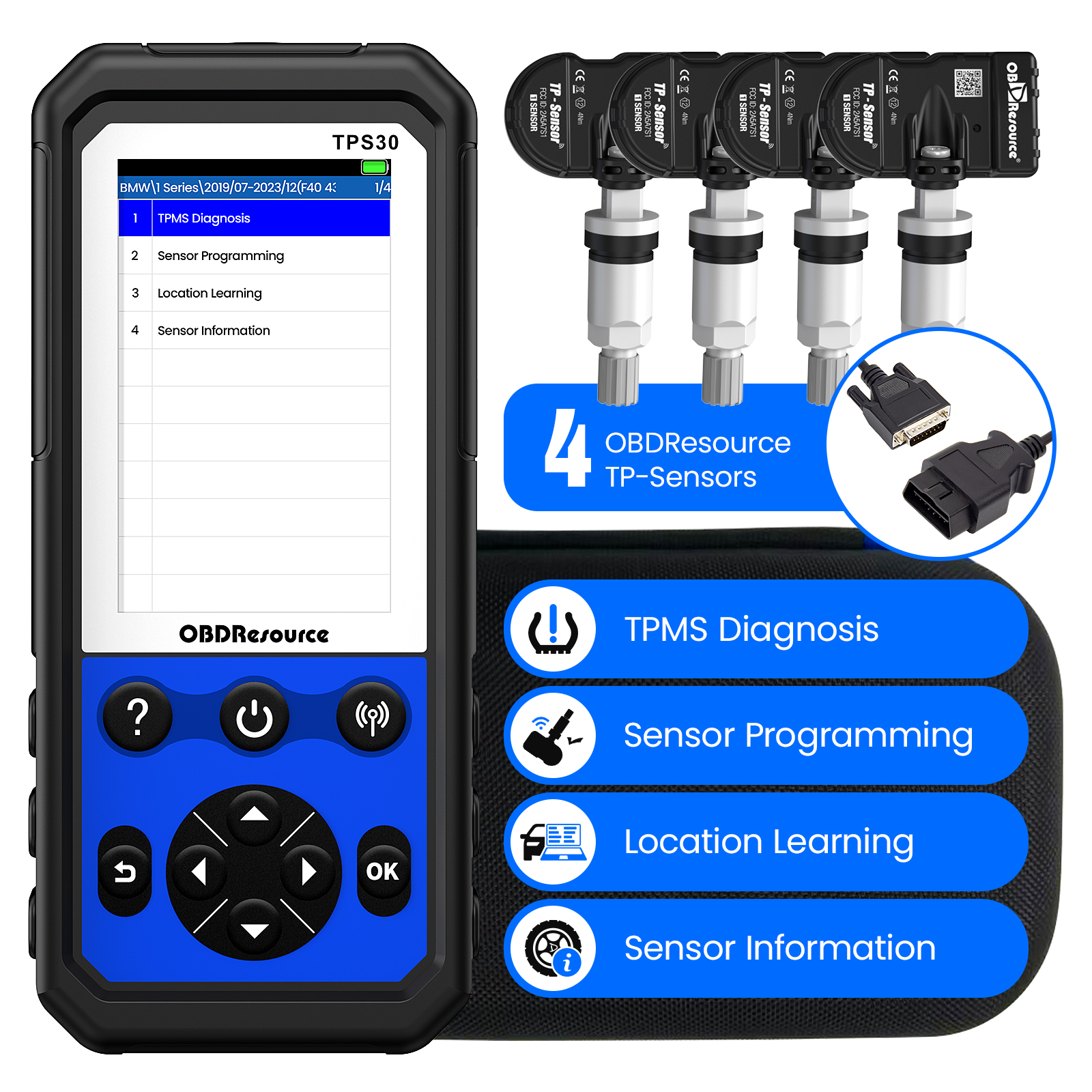
The OBDResource TPS30 kit supports a TPMS service workflow from sensor inspection to replacement programming and vehicle relearn. It wirelessly activates compatible sensors and uses an OBD connection for supported TPMS diagnosis and ID read/write. The kit includes four programmable TP-Sensors.
Key capabilities and applications
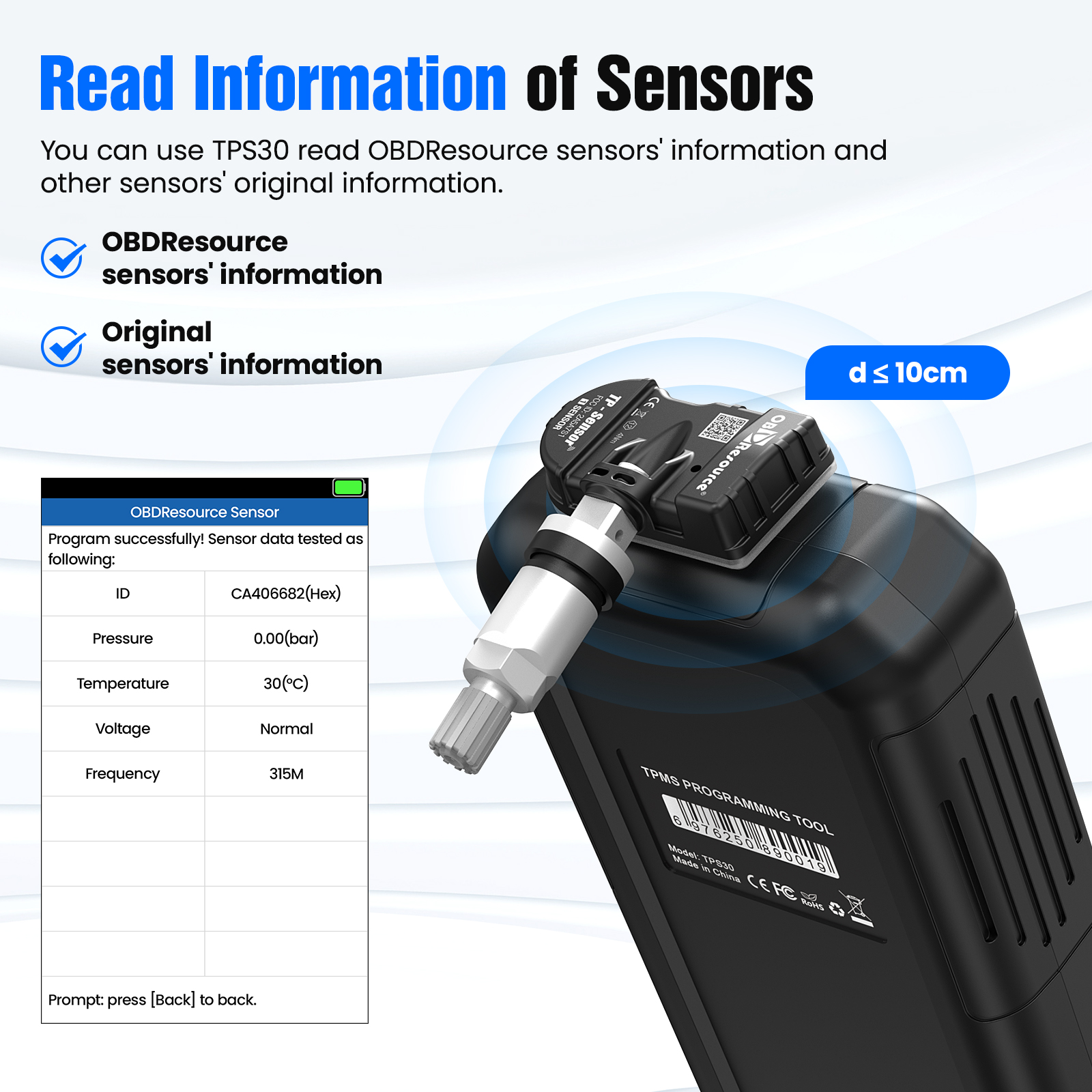
Activation, data reading and TPMS diagnosis
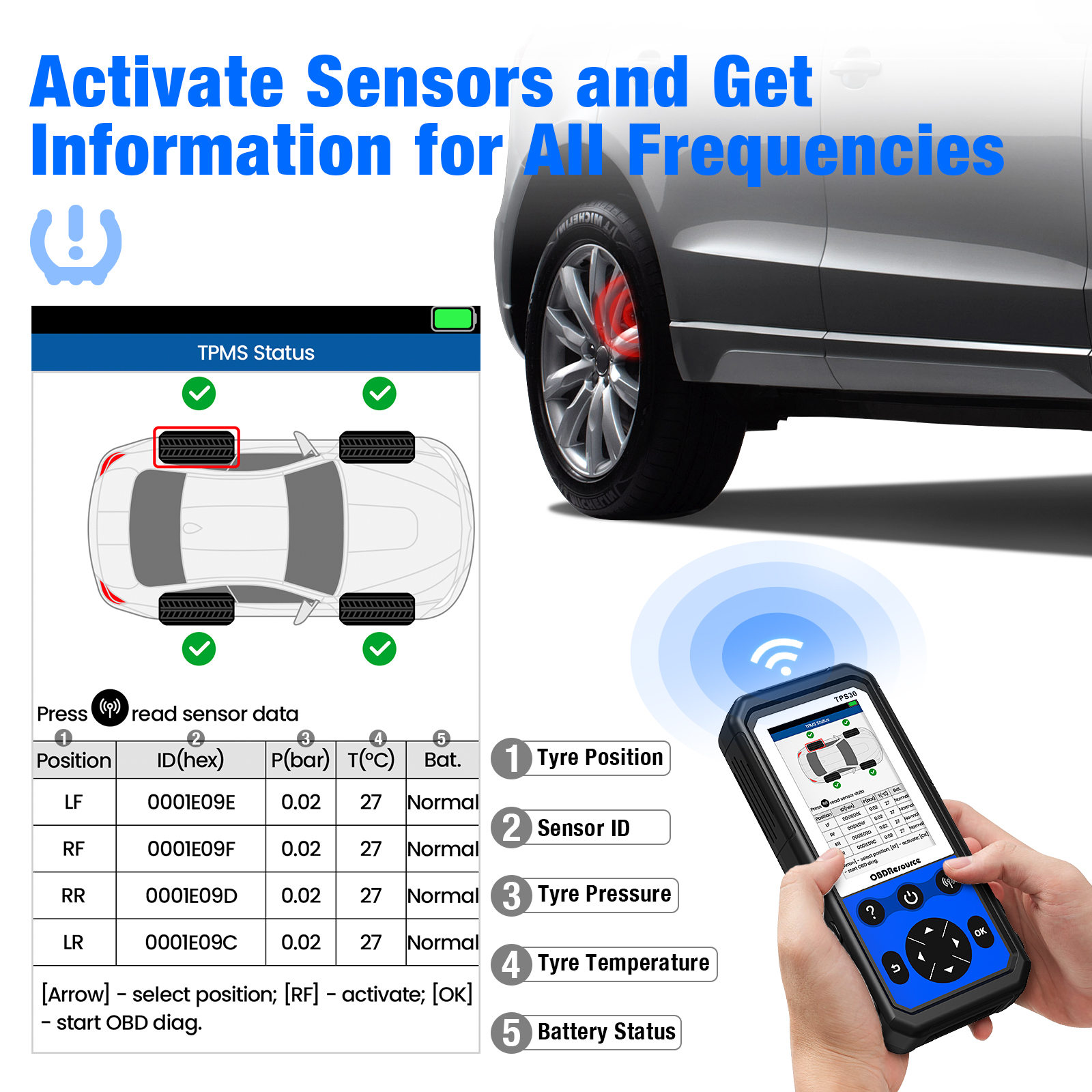
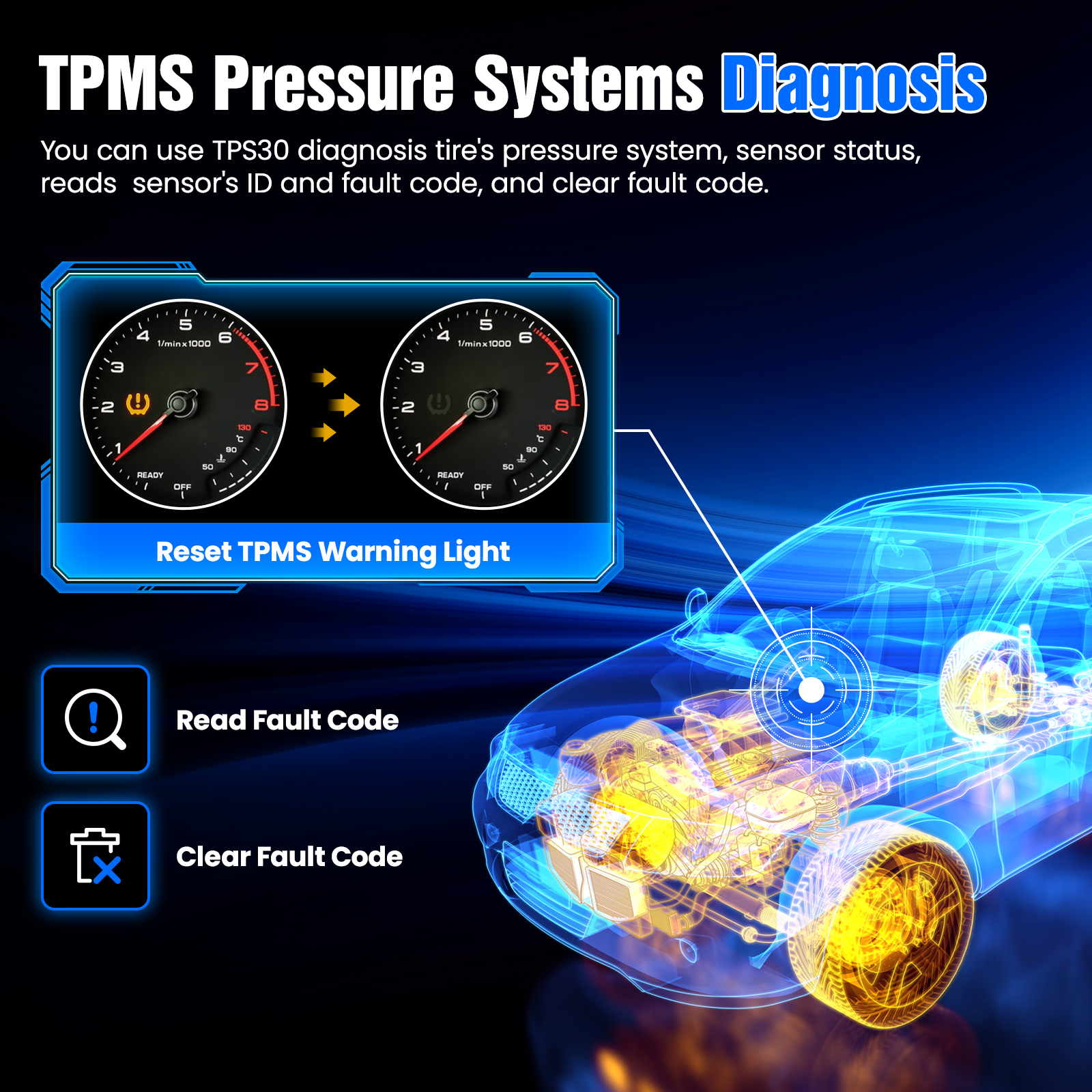
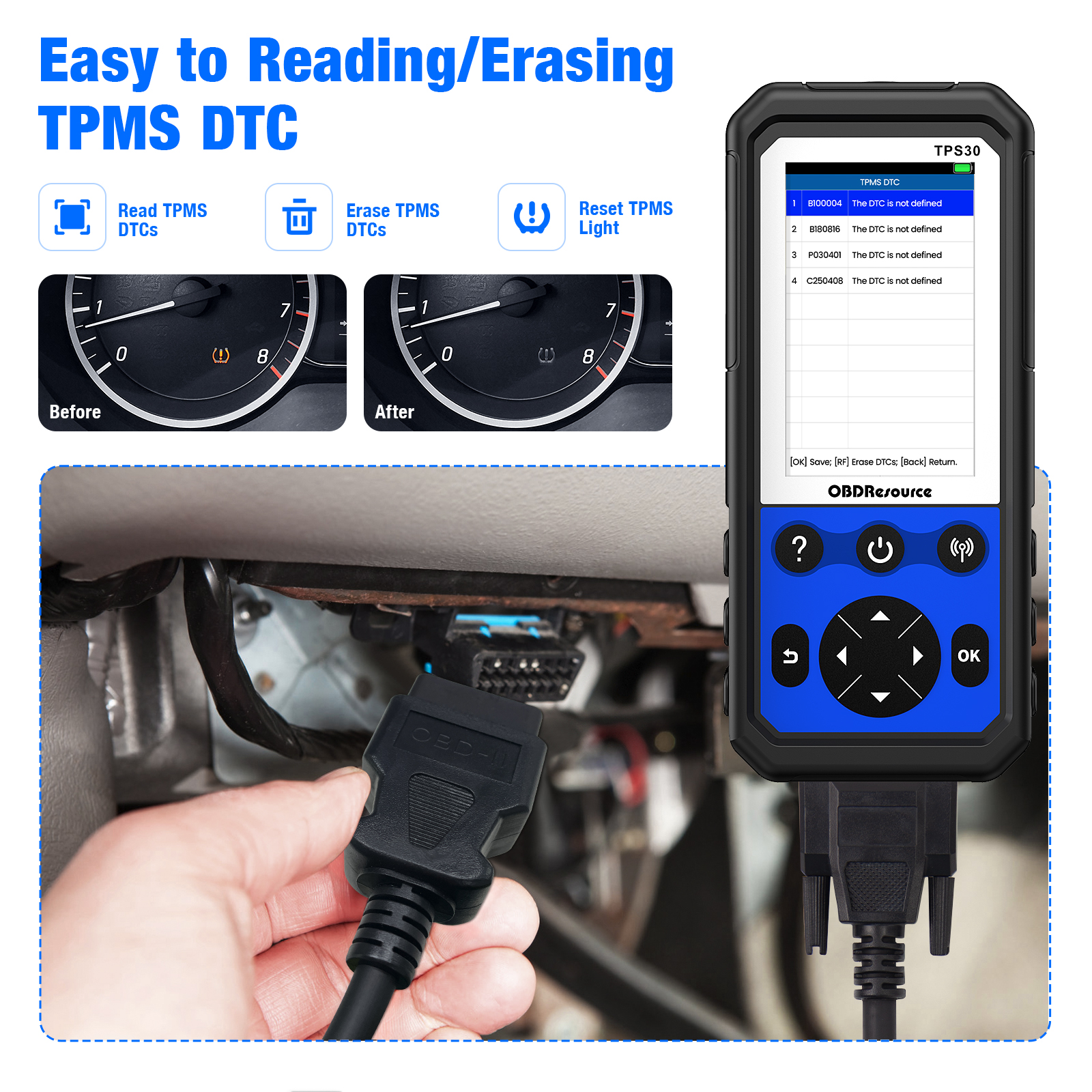
Read compatible sensor IDs, pressure, temperature, battery status and wheel-position information. On supported vehicles, compare stored ECU IDs and read or clear TPMS fault codes.
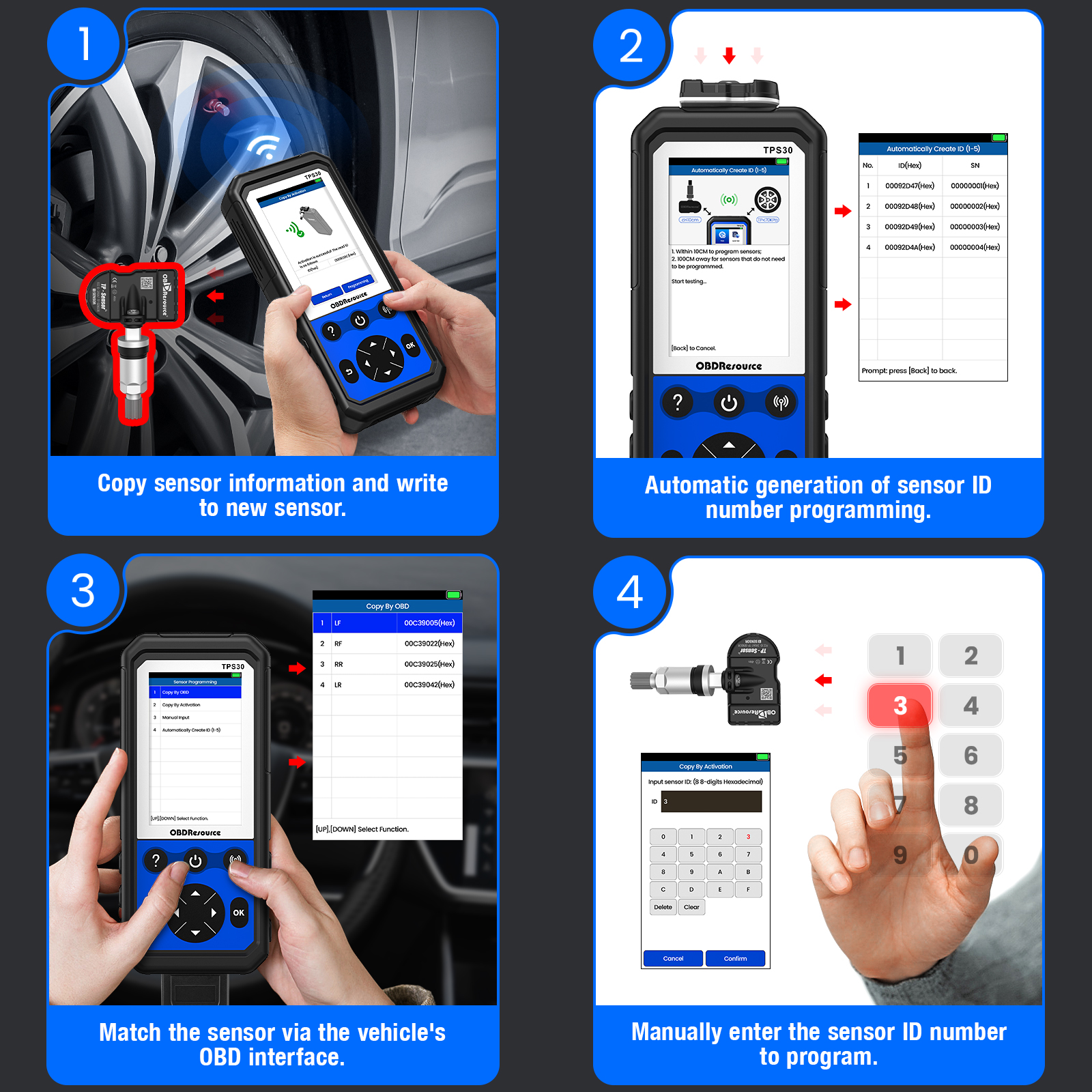
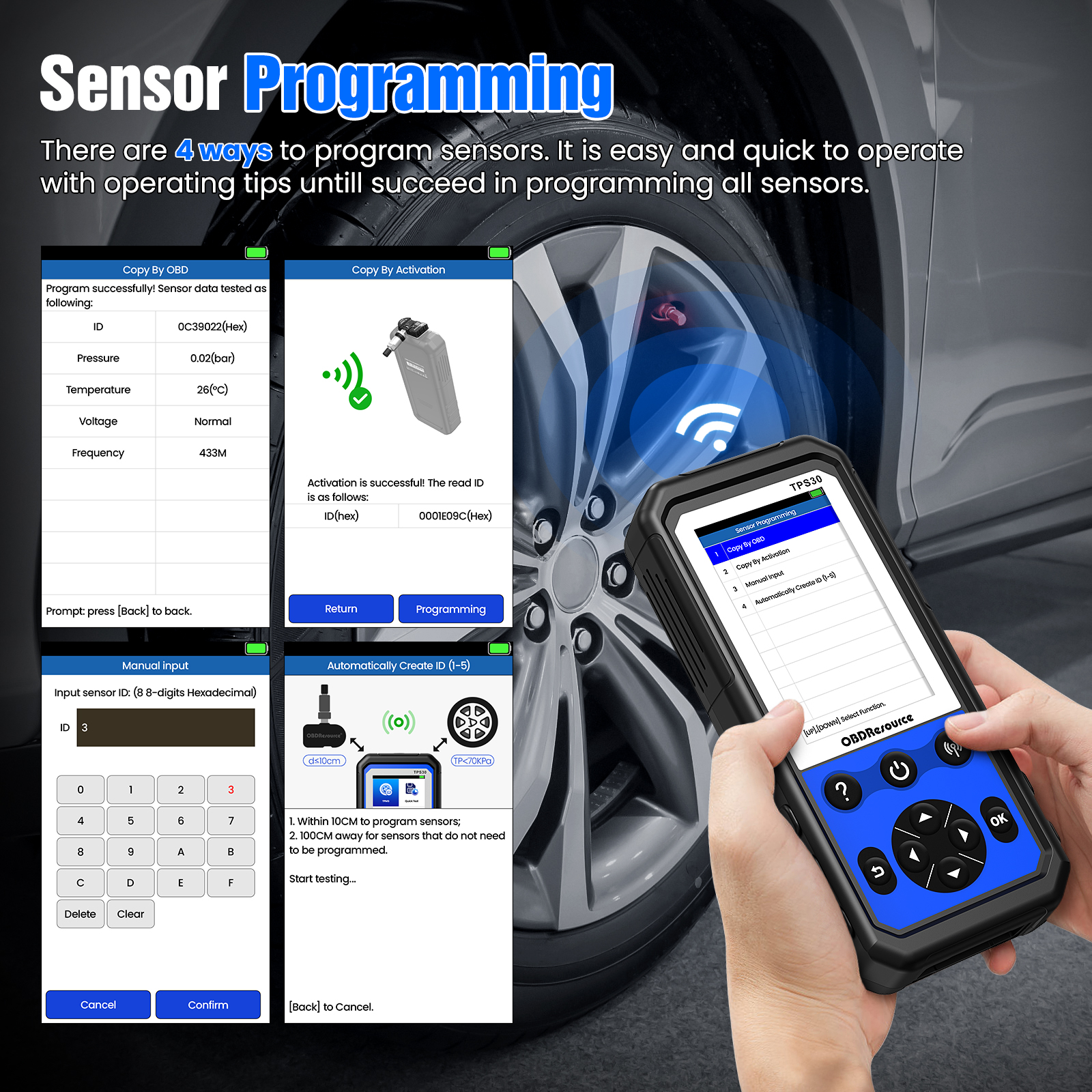
Four replacement-sensor programming methods
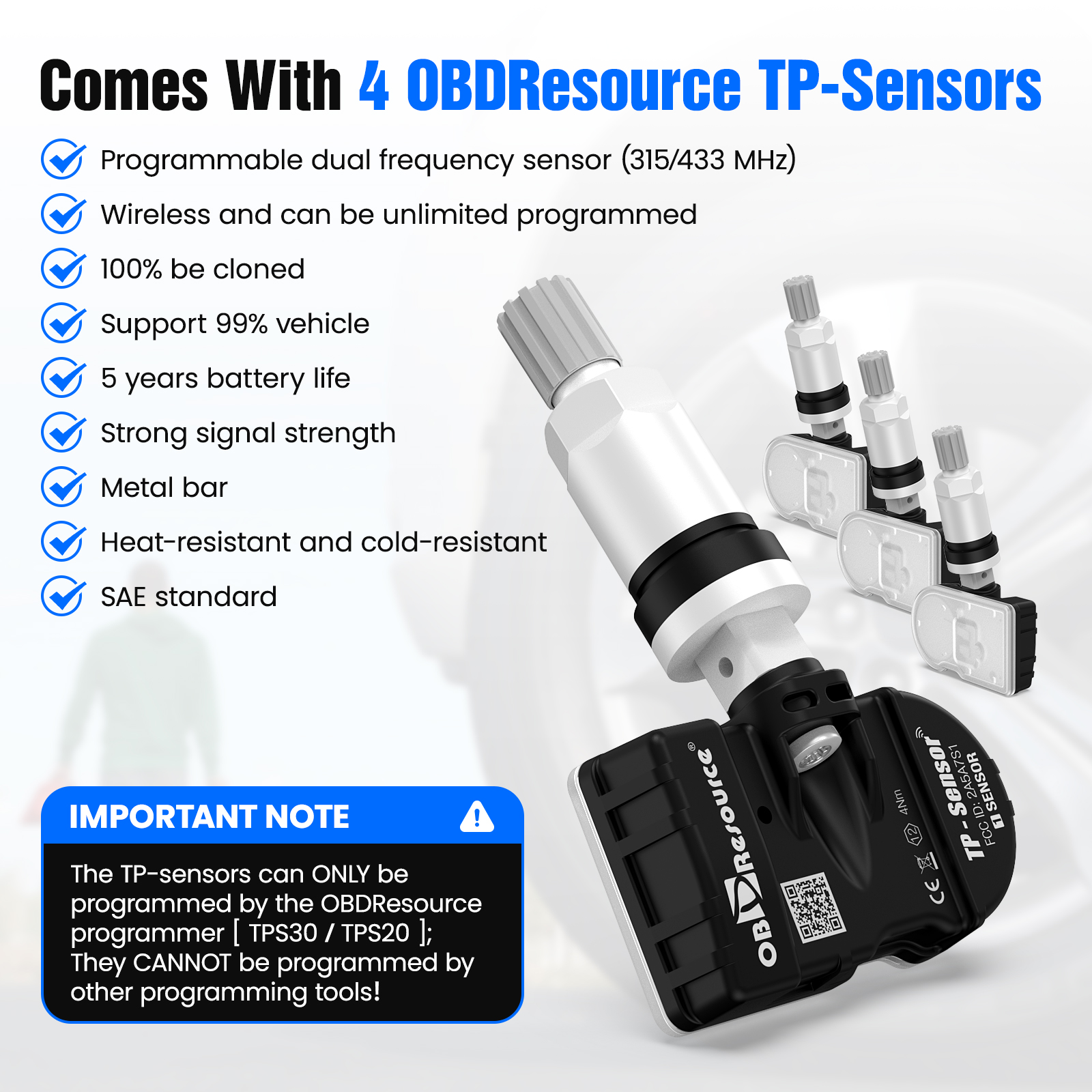
Use activation cloning, OBD cloning, manual ID entry or automatic ID creation. Automatic creation supports 1–5 compatible sensors in supported procedures; programming is for OBDResource TP-Sensors.
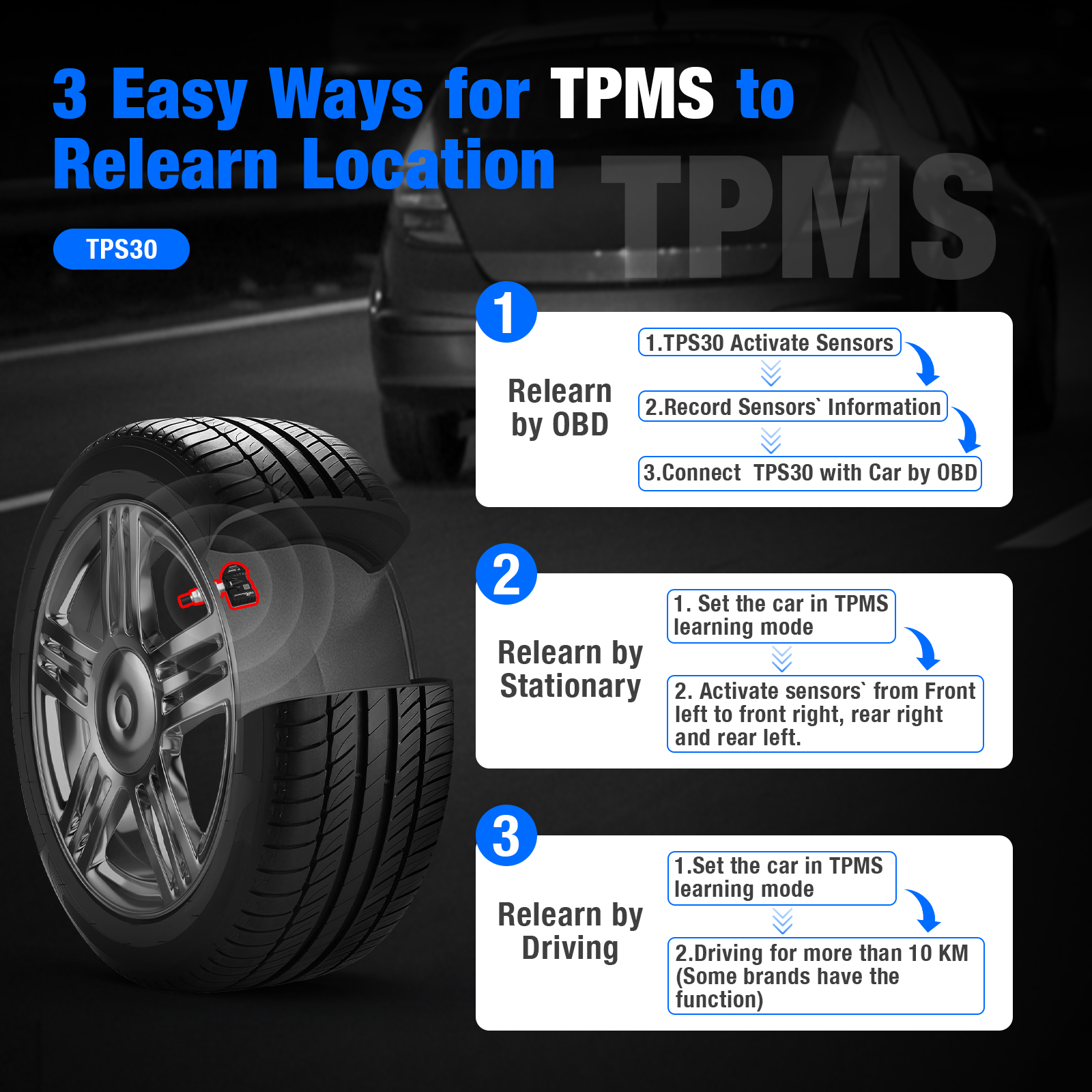
Follow the correct vehicle relearn method
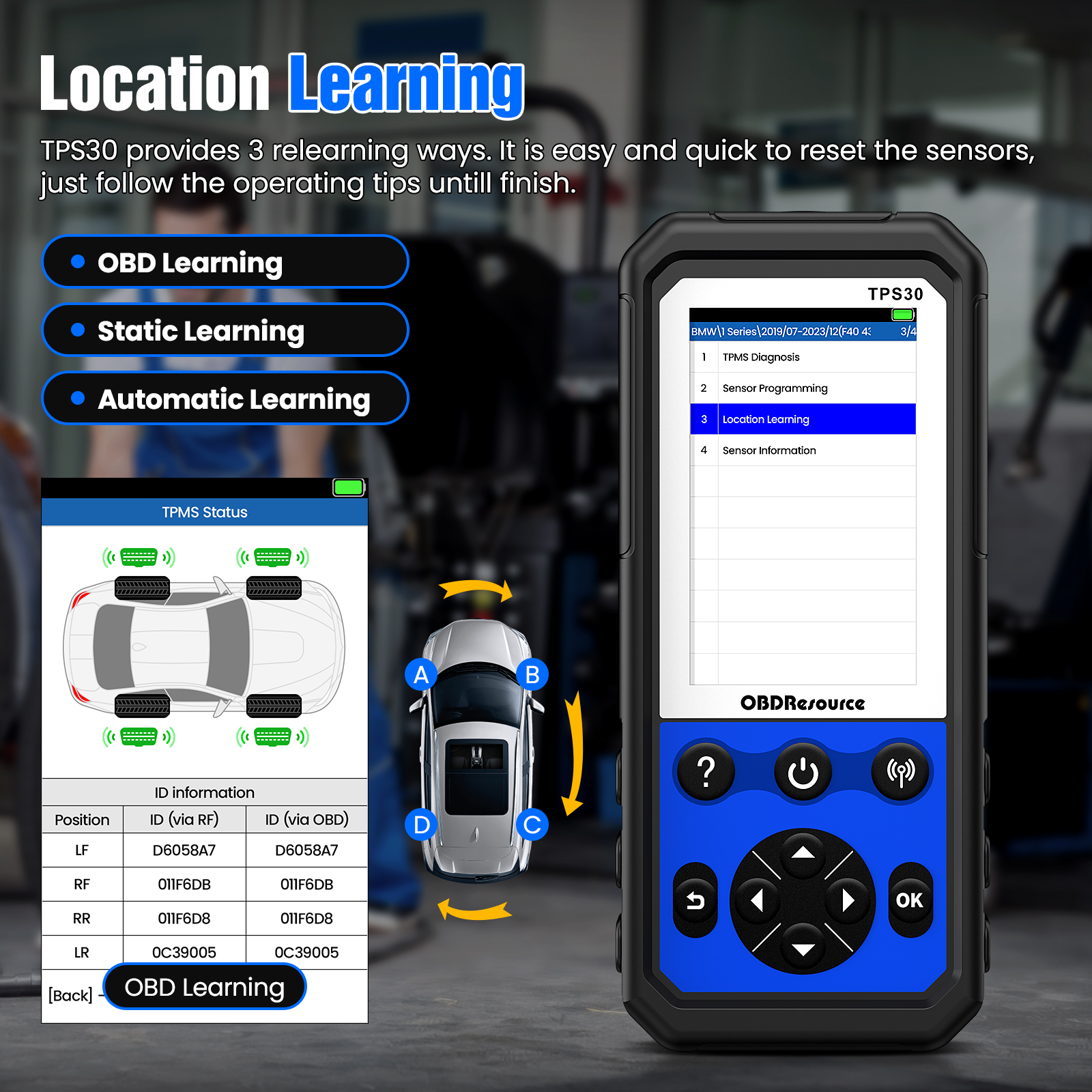
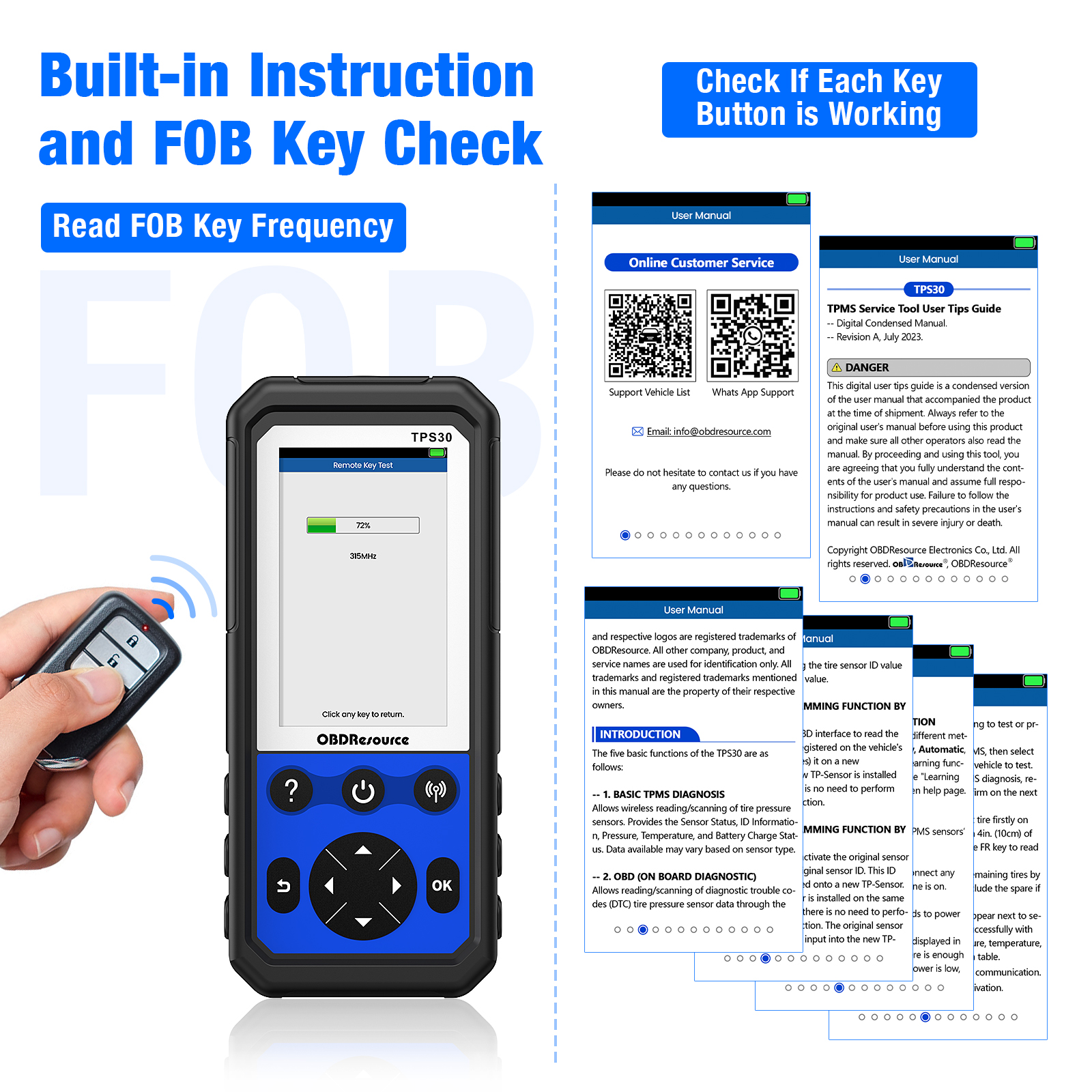
Access guidance for automatic, stationary or OBD relearns according to vehicle requirements. Additional functions include test records/playback, OE sensor information lookup and remote key frequency checks.
Suggested service workflow
Confirm the application and tire condition — Verify vehicle and sensor specifications, repair leaks or hardware faults and set the specified tire pressure first.
Prepare the vehicle-specific relearn — Follow the vehicle service instructions to prepare relearn. On a tool with vehicle menus, select the correct make, model, year and market.
Activate and confirm each wheel — Use the specified wheel order and antenna position, waiting for the required vehicle or tool confirmation before proceeding.
Complete and verify — After relearn, verify wheel positions and warning status. If unsuccessful, check tool battery, vehicle mode, sensor frequency, protocol and condition.
Compatibility depends on make, model, year, market and sensor protocol. Follow the instructions for the specific tool and vehicle.
Program compatible replacement sensors before completing the required vehicle relearn. Programming, ID cloning and vehicle relearning are separate operations.
Frequently asked questions
Can it reprogram every OE sensor?
No. Programming is intended for compatible OBDResource TP-Sensors. Reading or activating an OE sensor does not mean its ID or protocol can be rewritten.
Is vehicle relearn needed after programming?
This depends on the vehicle and method. New IDs usually need registration. Even when a cloned ID replaces the same wheel, verify the result using the tool and vehicle instructions; relearn-free operation is not guaranteed for every vehicle.
Will relearn always clear the TPMS warning?
No. First set tire pressure to the vehicle placard requirement and address leaks, failed sensors or incompatible frequency/protocols, then complete the prescribed relearn and verification.
What information is needed to confirm compatibility?
Provide the vehicle make, model, year, market, sensor OE number and required operation. Different years or markets within one brand may use different sensors and relearn methods.
Product design
Related products and support
TPS10 Multi-Brand TPMS Activation & Guided Relearn Tool · TPS23 Professional TPMS Programming Tool
Key features
Applications
Technical specifications
| Item | Specification or function |
|---|---|
| Model | TPS30 |
| Tool type | TPMS diagnostic, programming and relearn kit |
| Sensor frequencies | 315 MHz / 433 MHz |
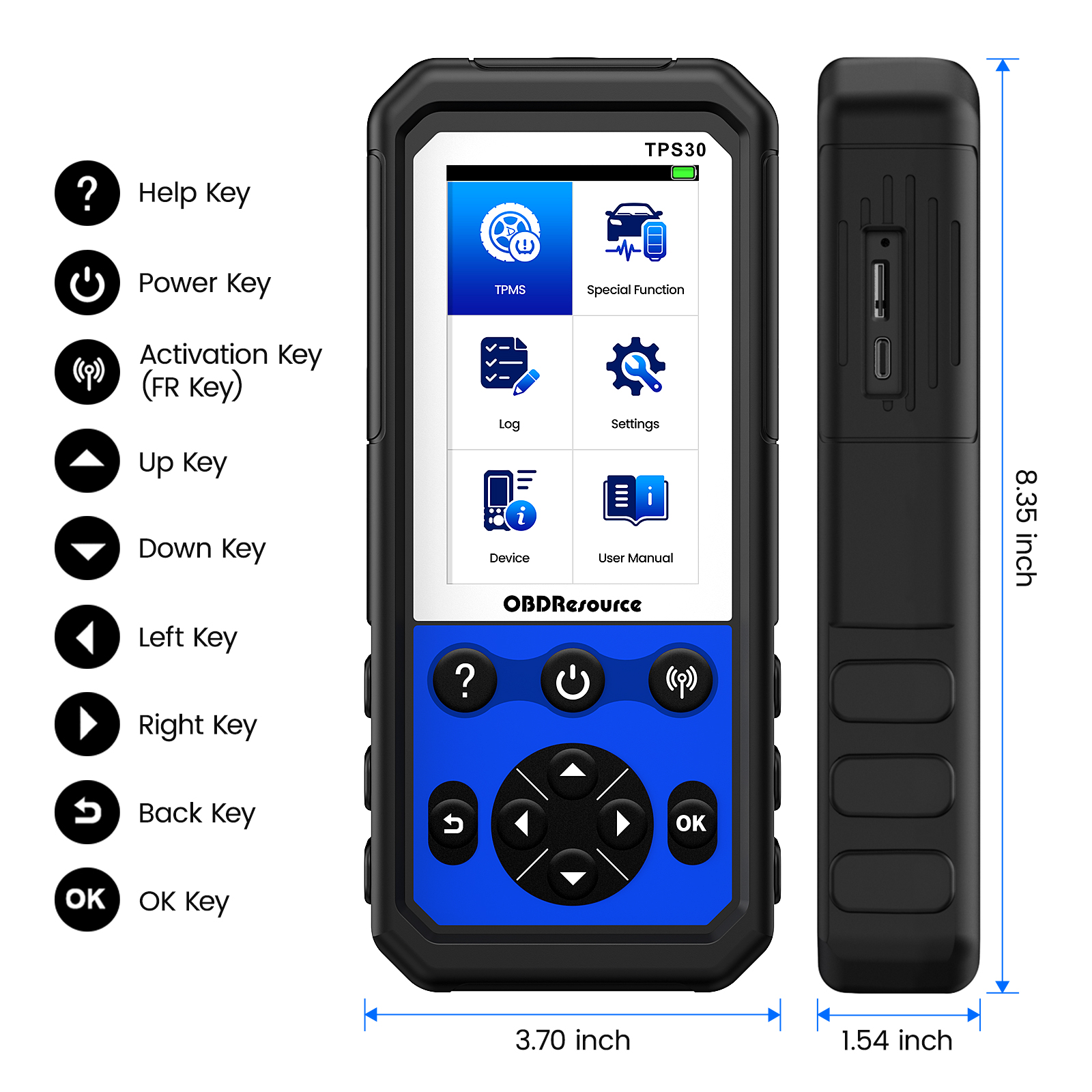
| Display | 4.3-inch TFT color display, 800 × 480 |
| Battery | 3.7 V, 3500 mAh rechargeable lithium-polymer battery |
| Charging current limit | 2000 mA ± 50 mA |
| Interfaces | Type-C USB, OBD cable port and TF card slot |
| TF storage card | 8–16 GB, Class 10, as specified in the manual |
| Dimensions | 212 × 94 × 39 mm |
| Operating temperature | −10°C to 55°C, per the V4.0 manual |
| Sensor programming | Compatible OBDResource TP-Sensors; activation cloning, OBD cloning, manual entry and automatic creation |
| Batch automatic creation | 1–5 compatible sensors, subject to the selected procedure |
| Relearn methods | Automatic, stationary and OBD; availability is vehicle-specific |
| Operating modes | Quick Mode / Advanced Mode |
| Data functions | Test records/playback and OE sensor information lookup |
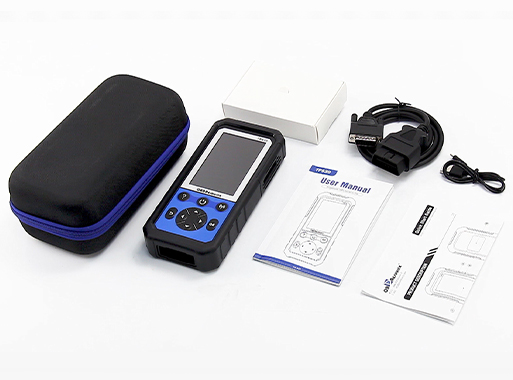
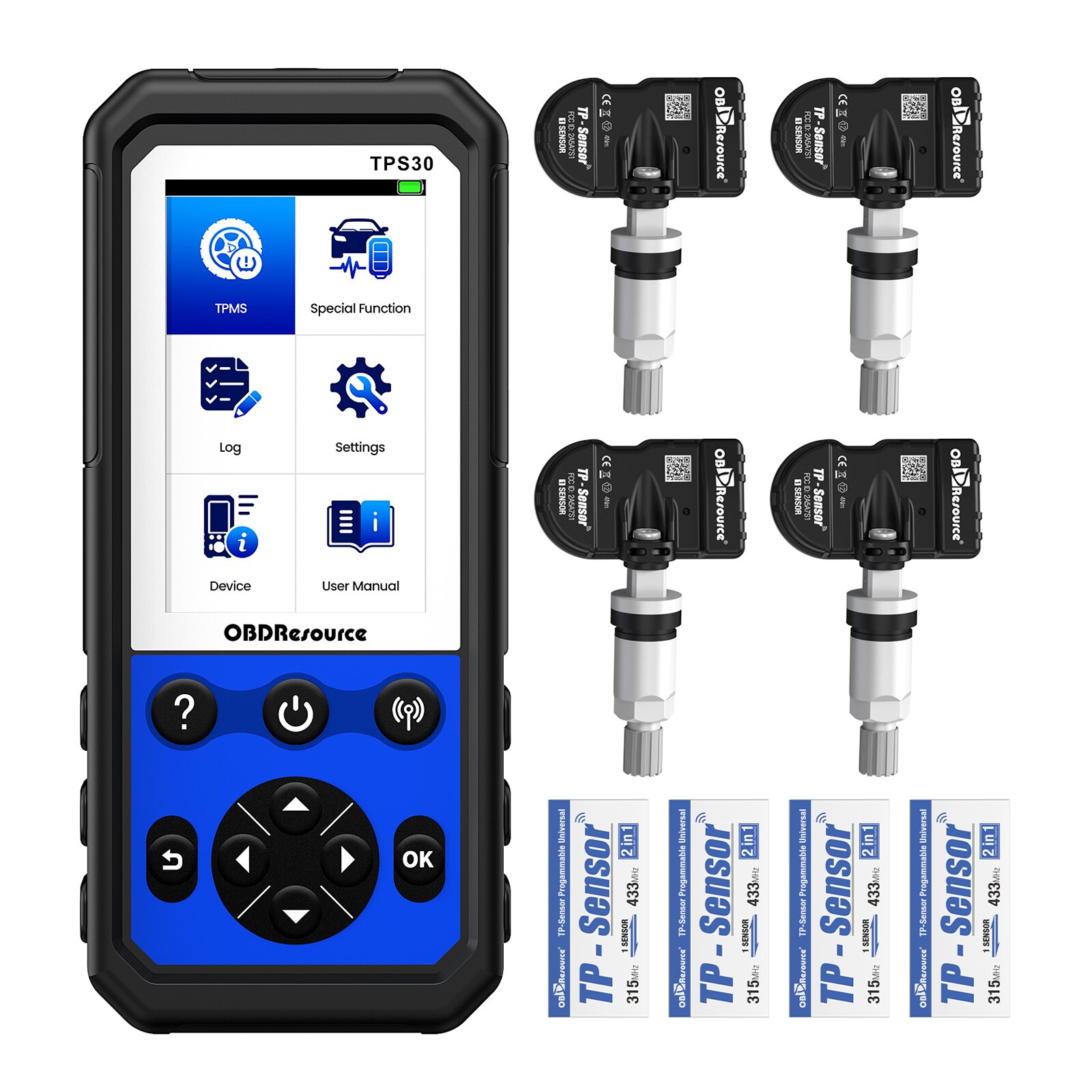
| Core kit contents | TPS30 tool, four 315/433 MHz programmable TP-Sensors, OBD cable, USB cable, carrying case and documentation |
Compatibility depends on make, model, year, market and sensor protocol. Follow the instructions for the specific tool and vehicle.
OBDRESOURCE